
News Portal
Streamlined News Portal for Role-Based Workflows
Designed multi-portal system reducing moderation time by 40% for admins, moderators and creators.

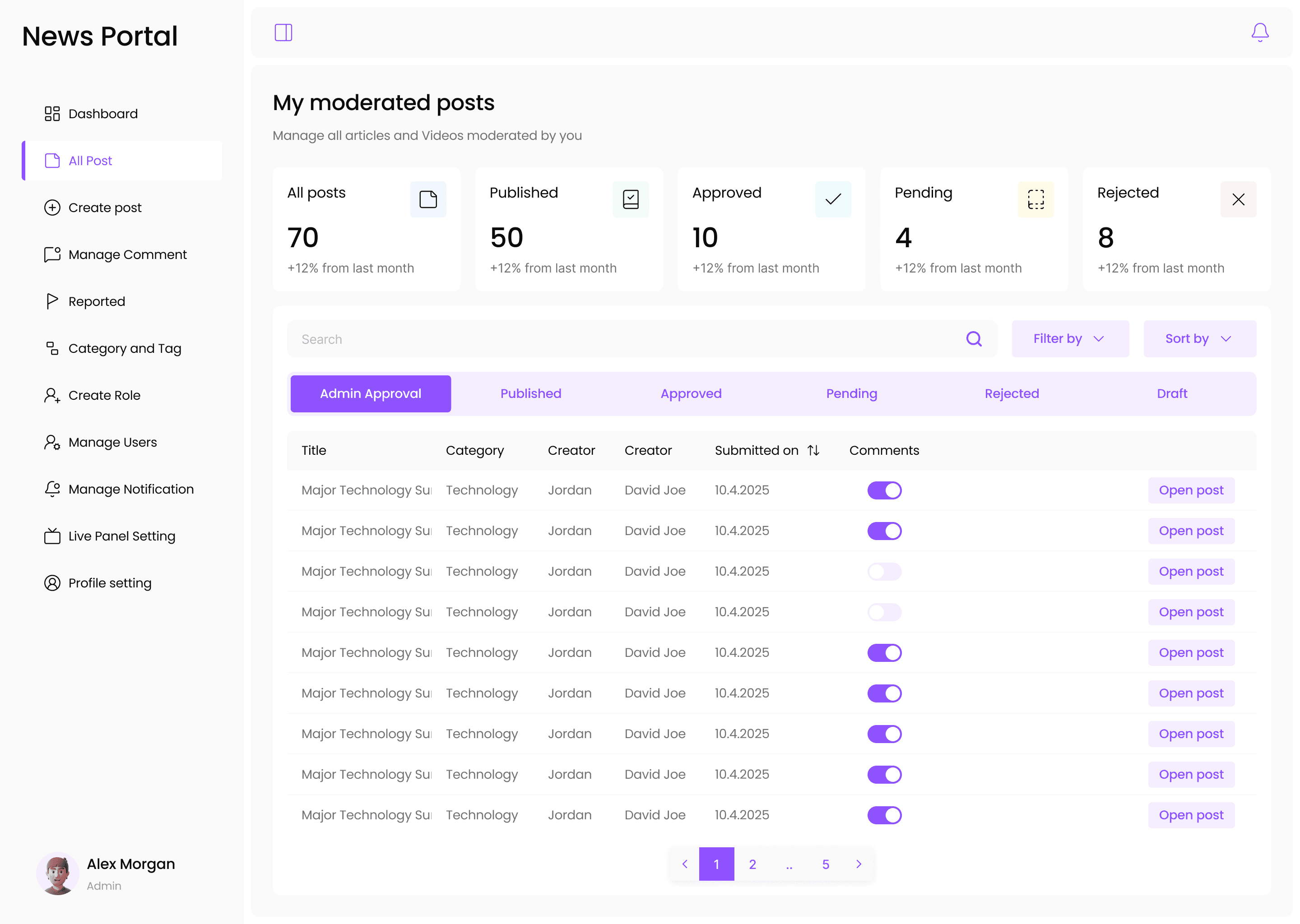
Project Overview
Helped service based company to design a role-based news portal wants a internal usage web application (for admin, moderator, creator, end user) and a mobile app (for end user) within the tight 1 month duration, with a budget of $ Four digit. My goal was to streamline internal operations and create a smooth reading experience across web and mobile on design for users while staying within the agreed scope and timeline. In this sprint my goal is to focus on the internal operation web app mainly (Admin, Moderator, Creator). After discuss the needs, problems, number of screens and the respective time will take and the budget, we confirmed the project and get started.
Product Overview
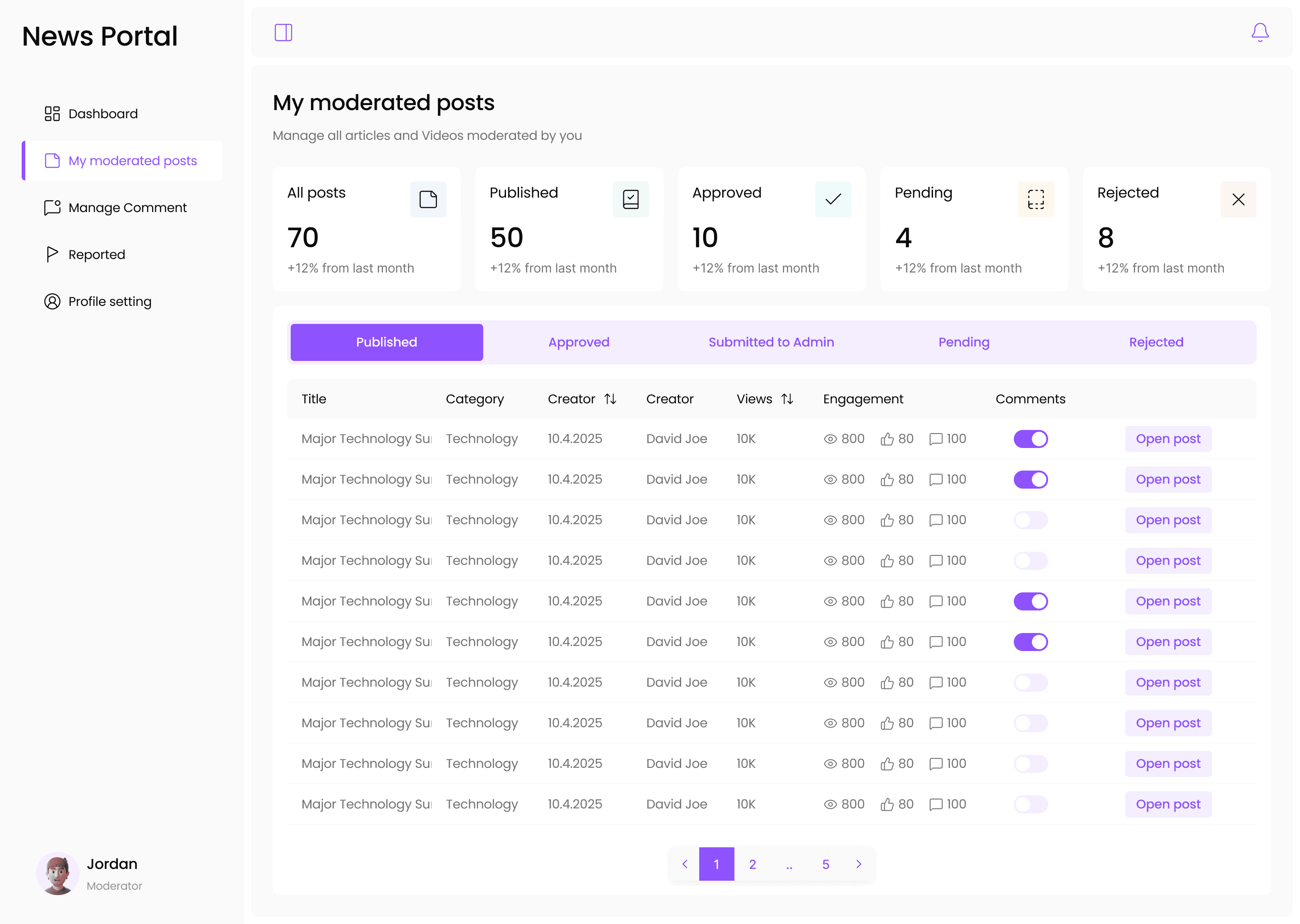
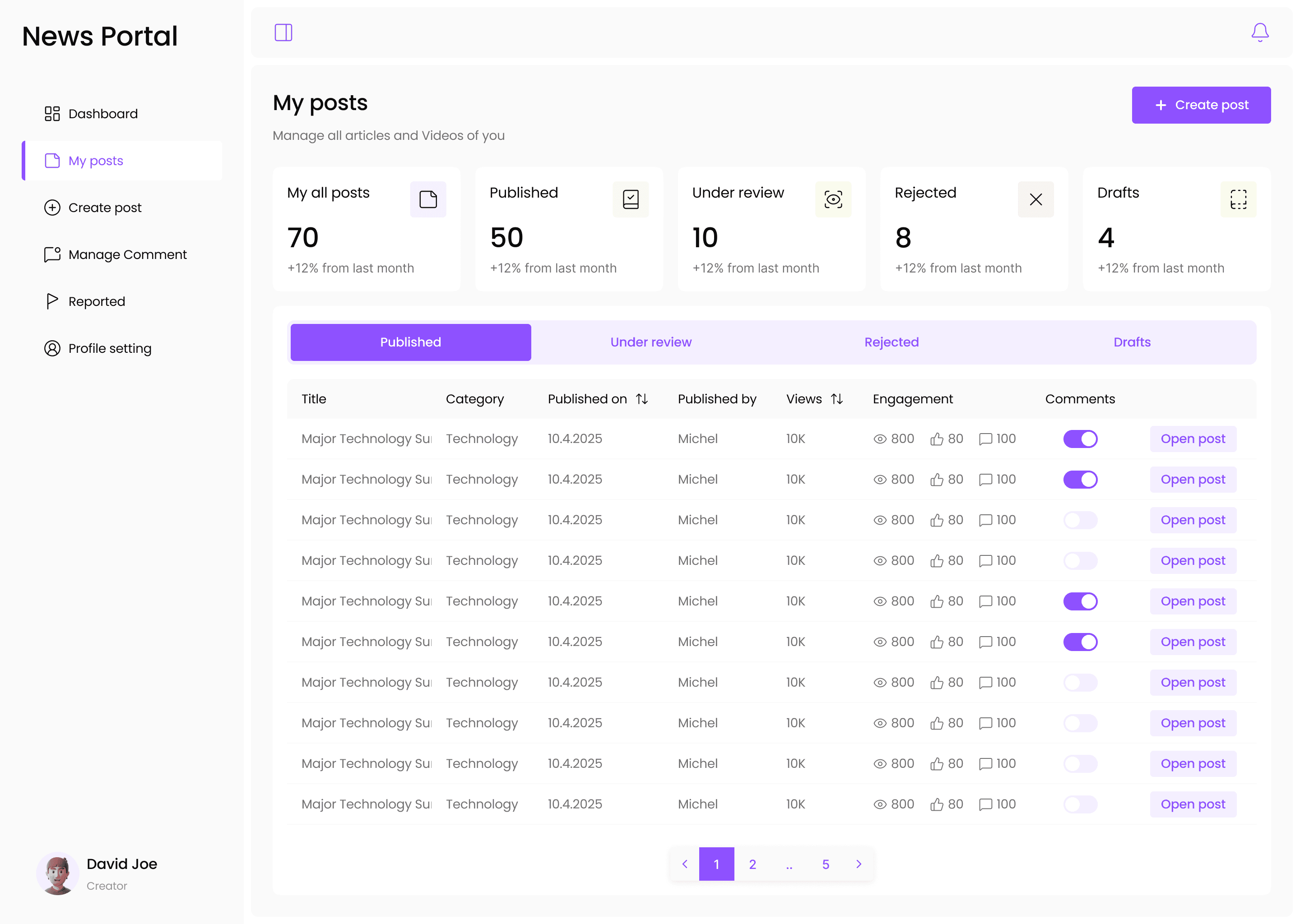
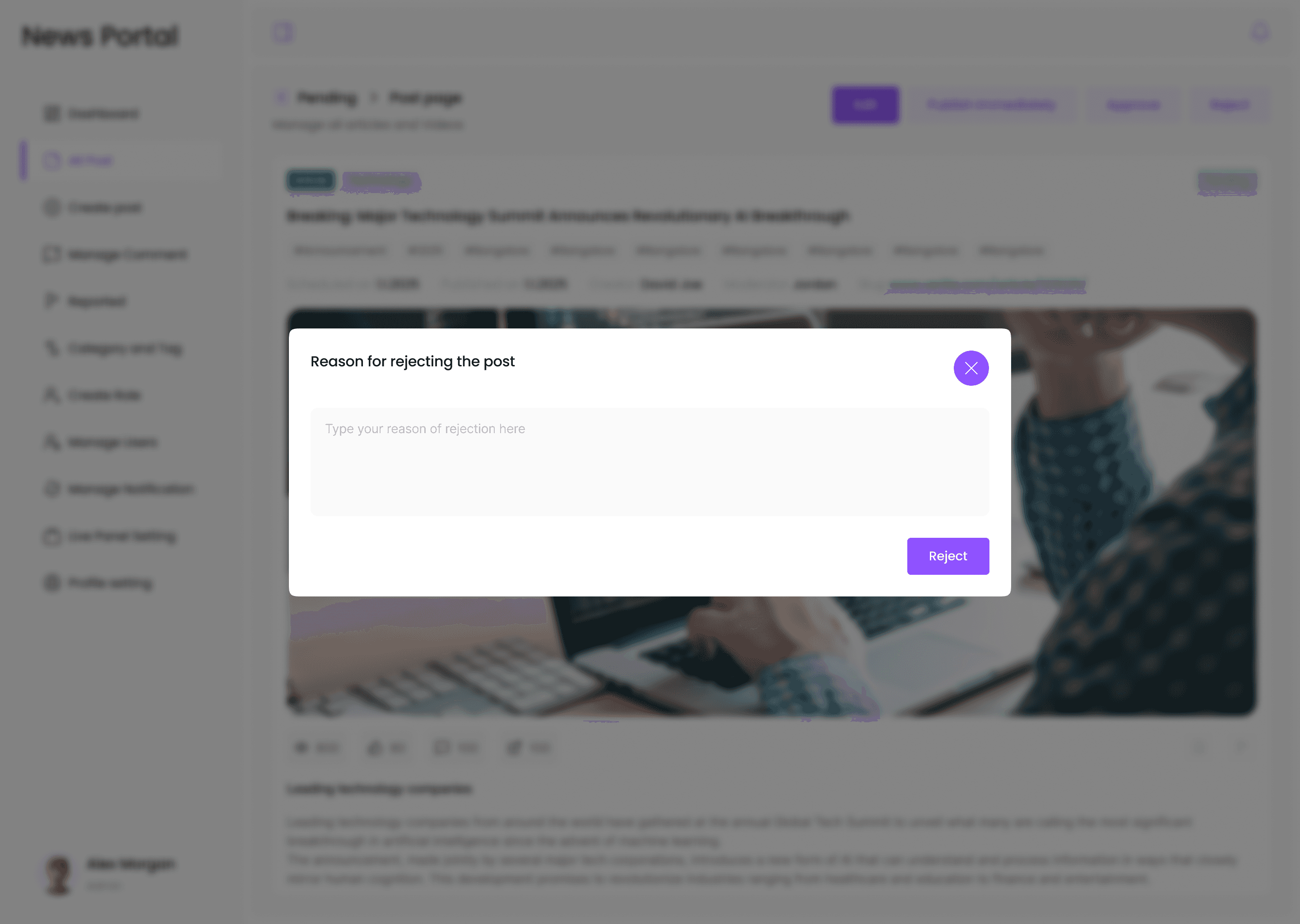
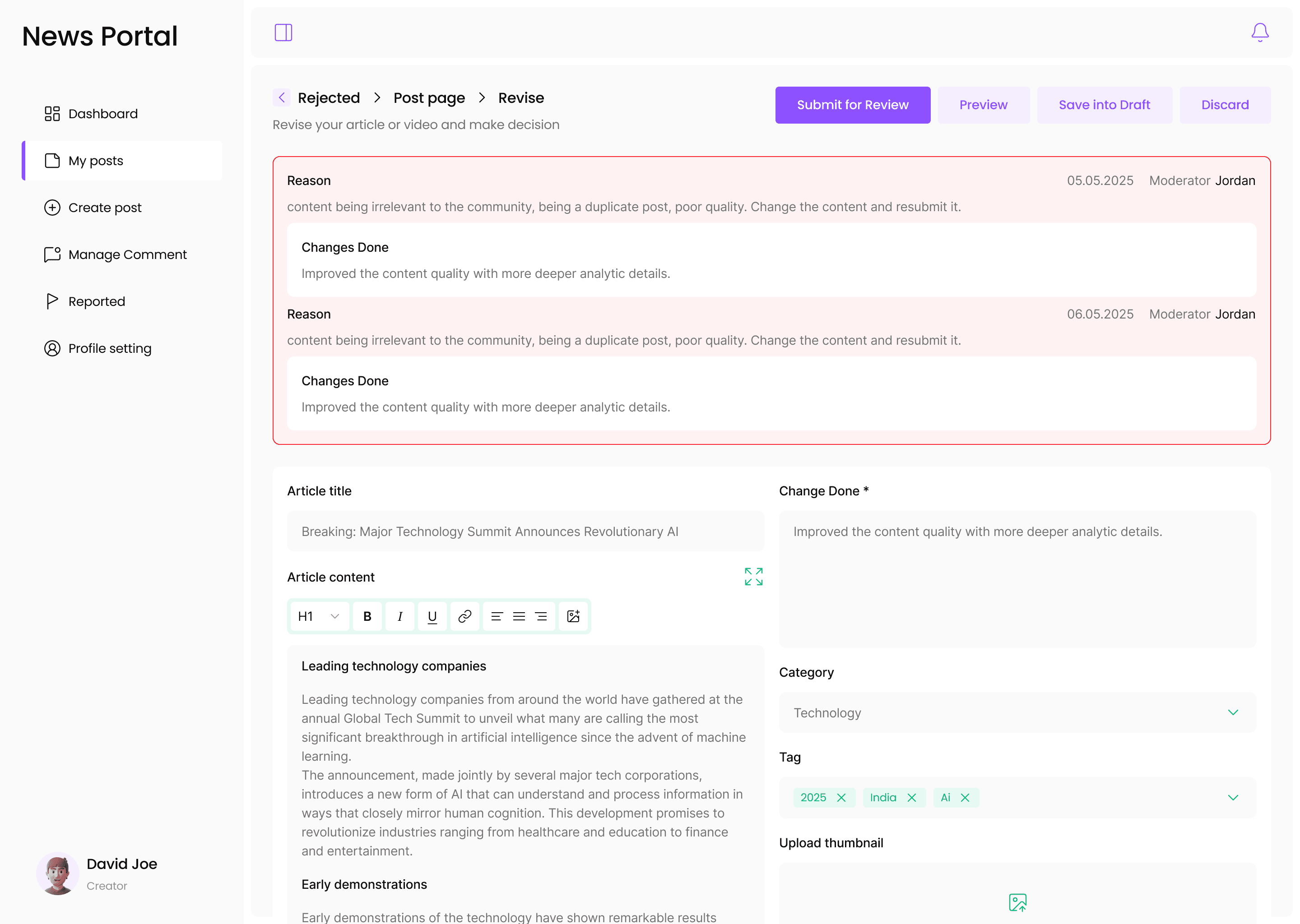
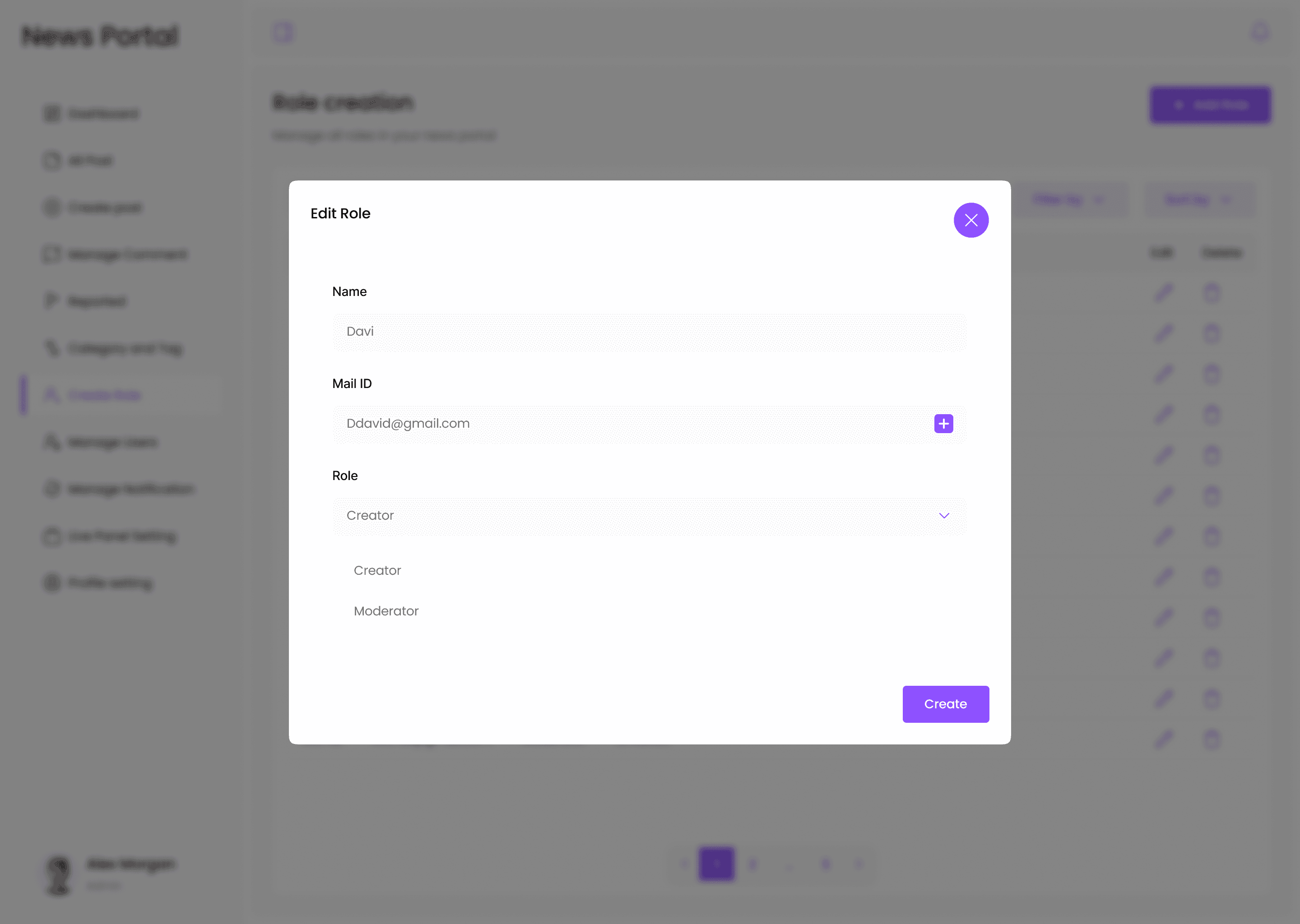
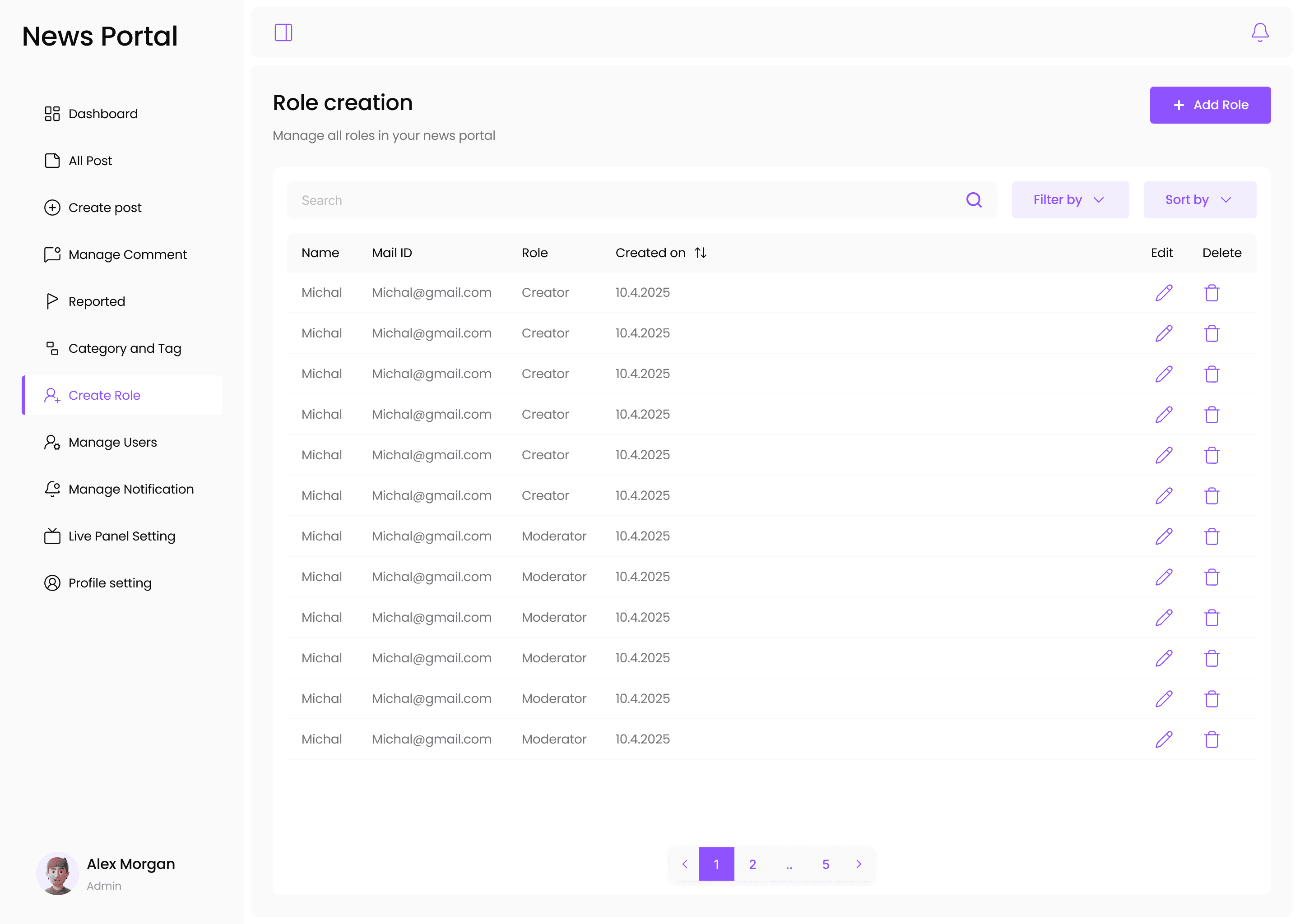
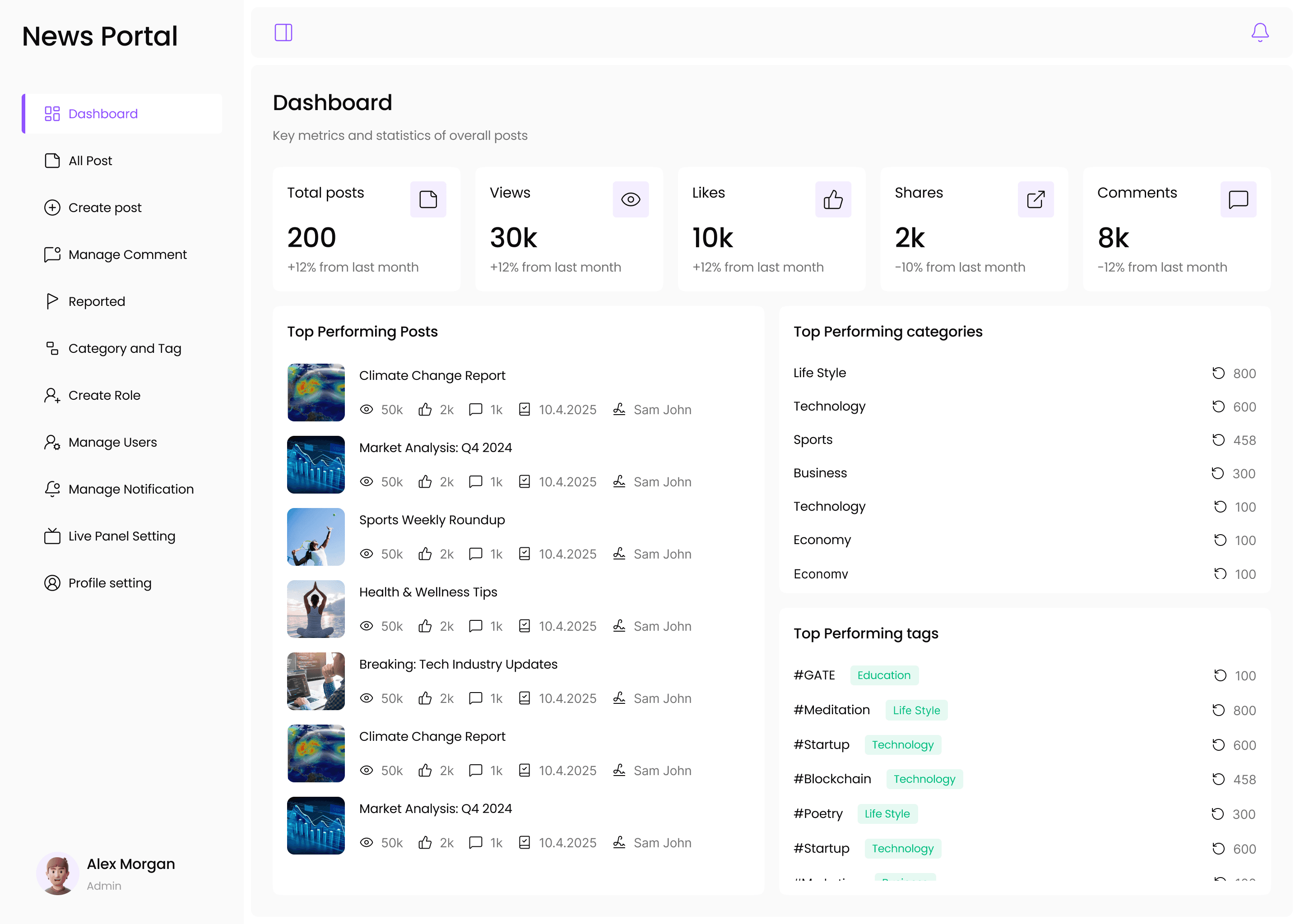
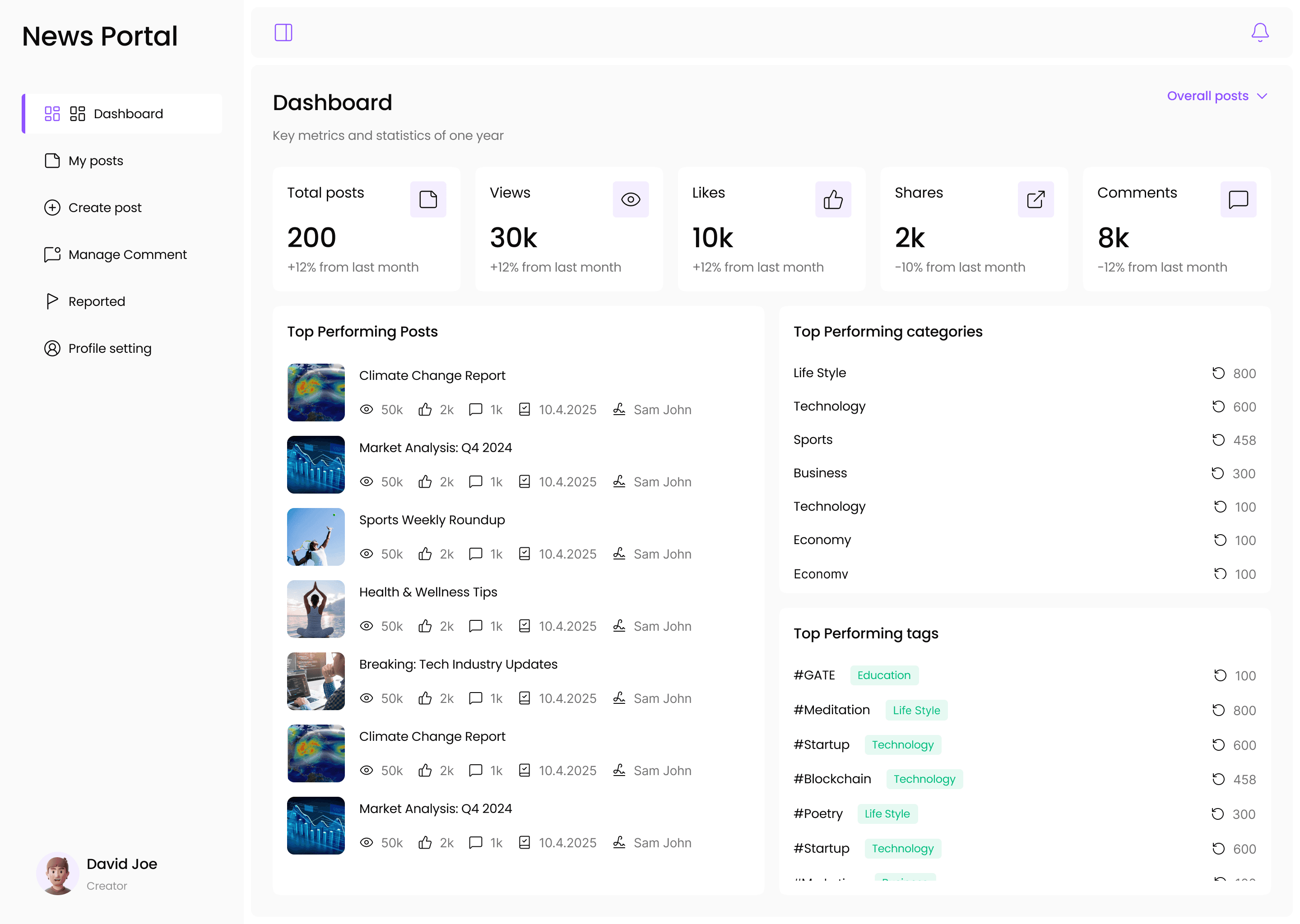
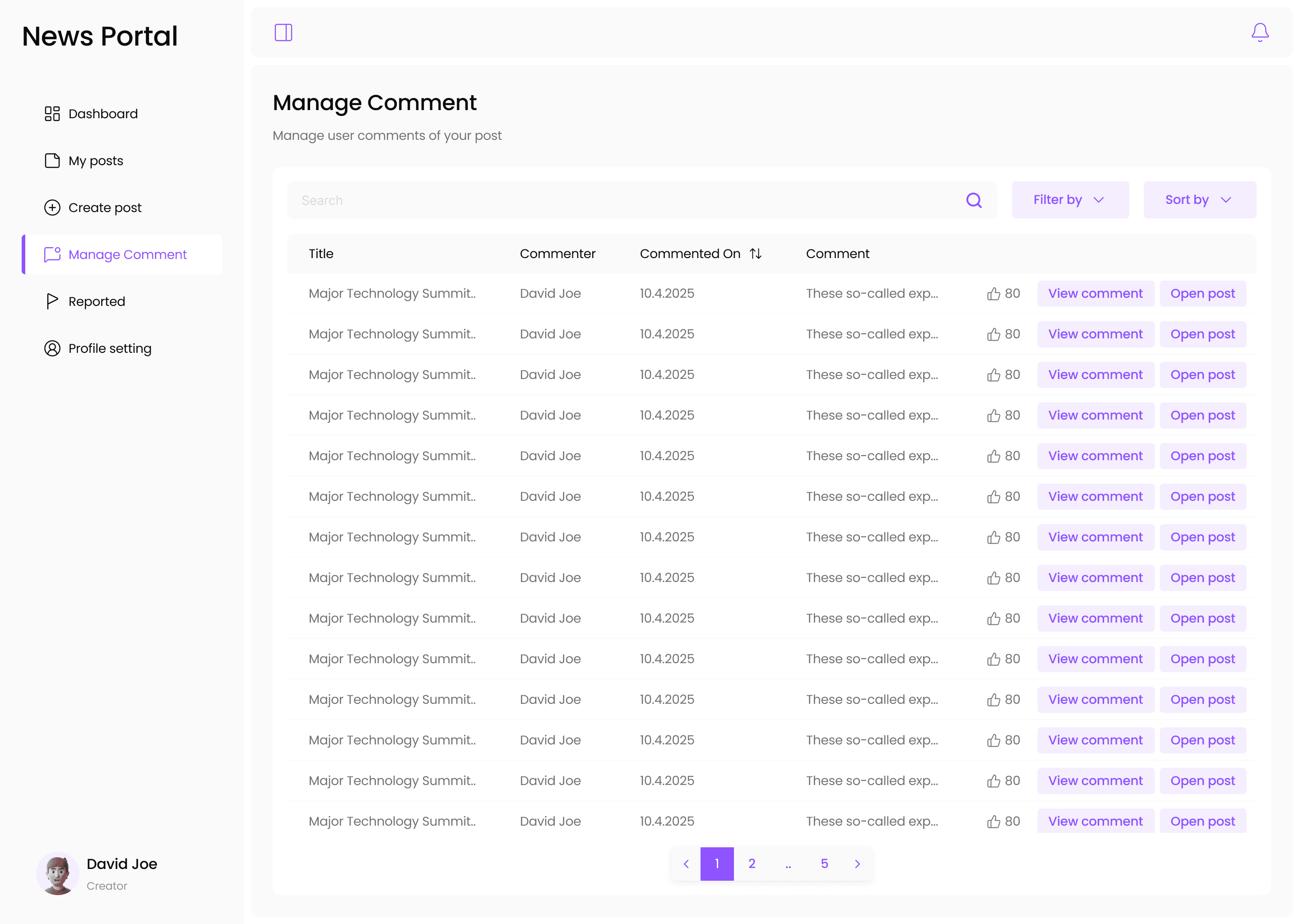
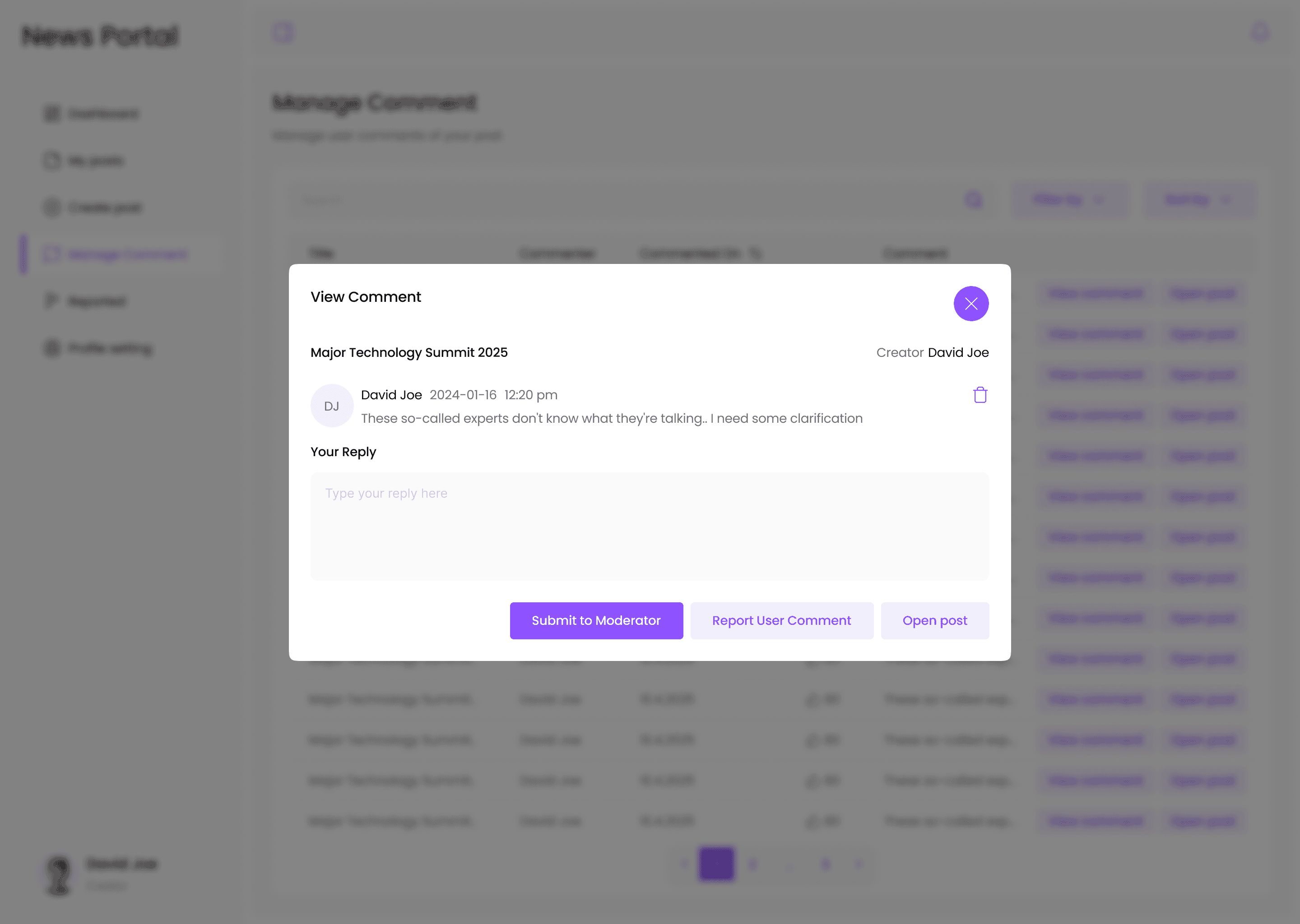
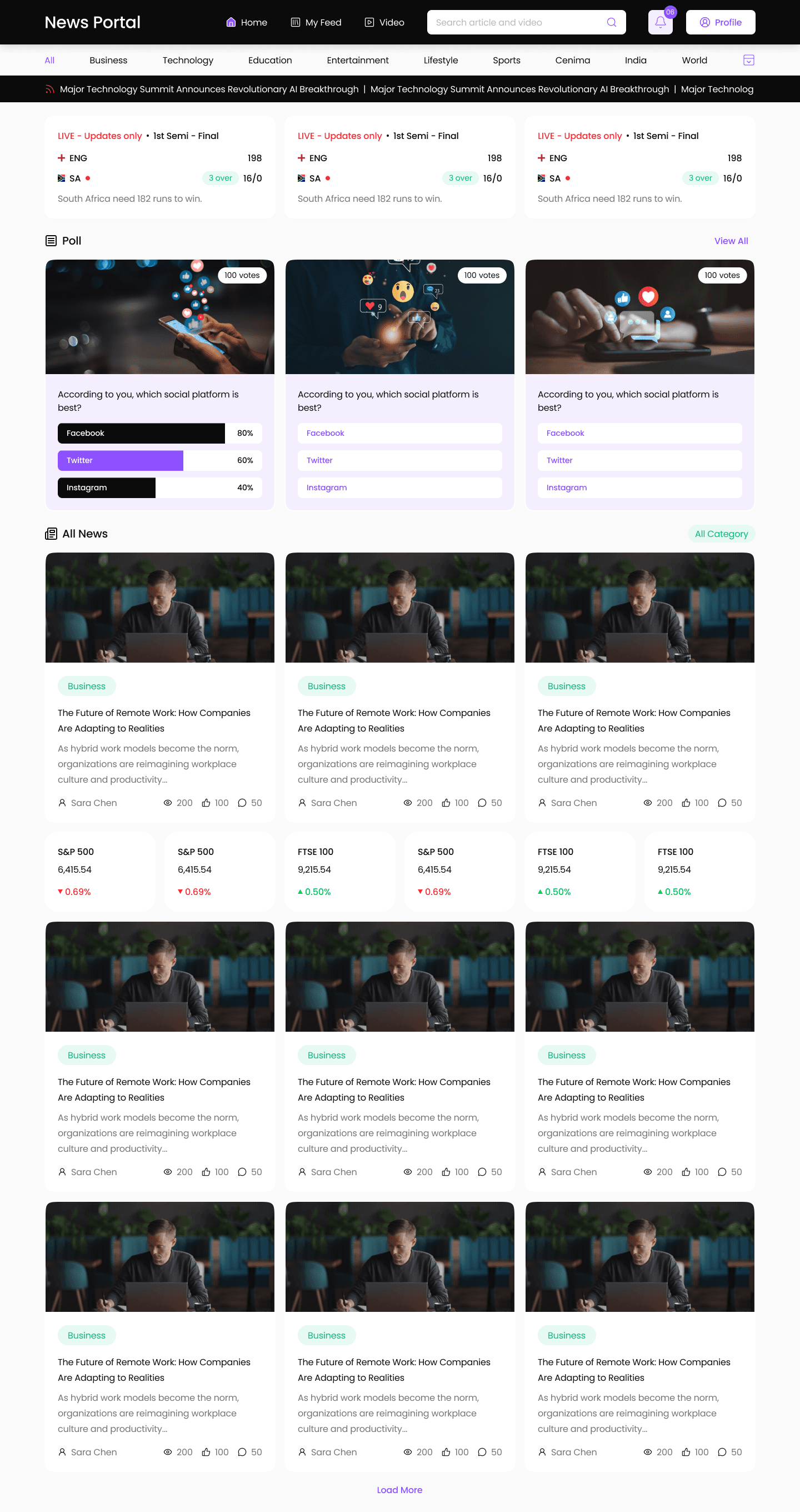
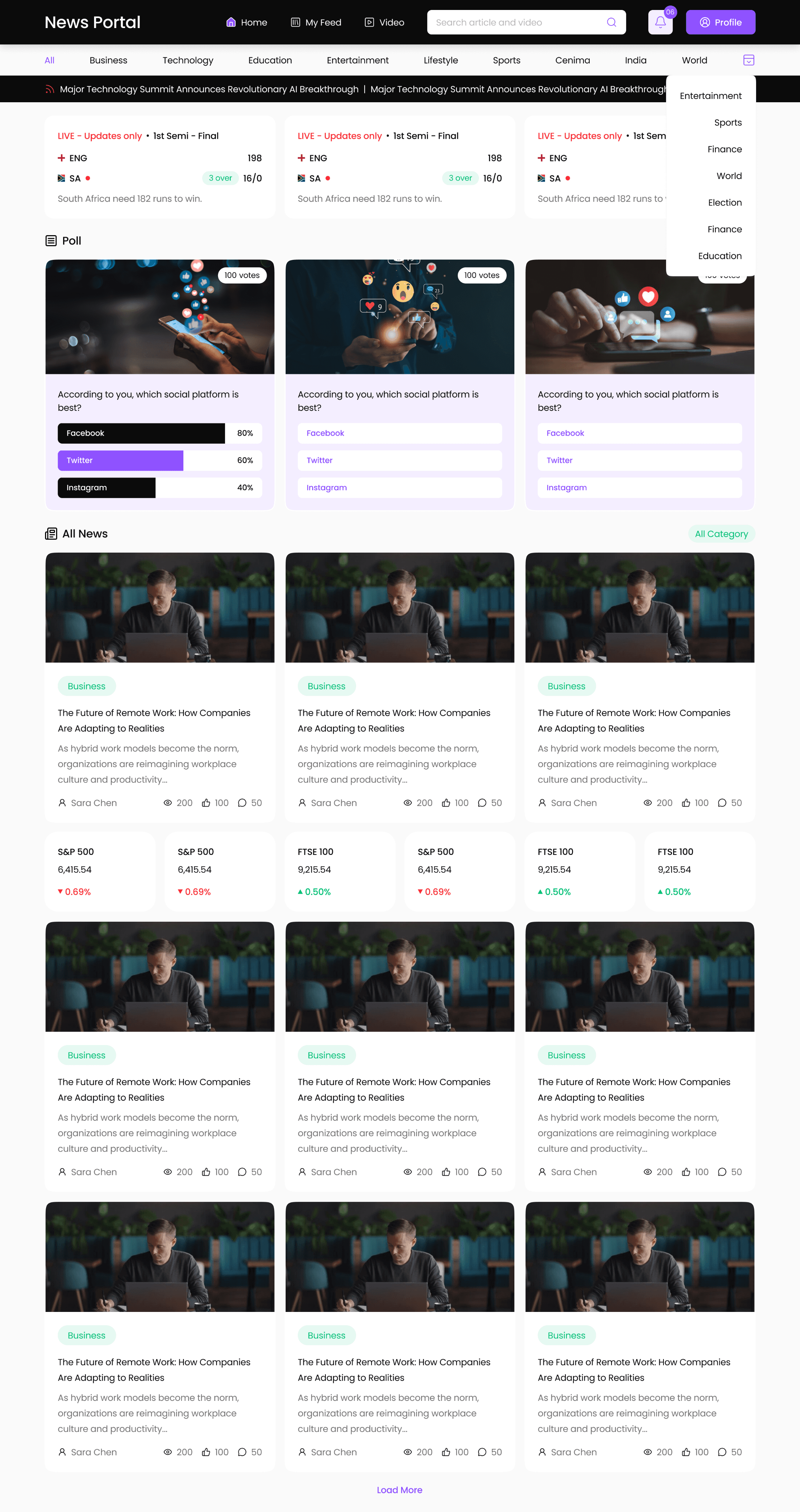
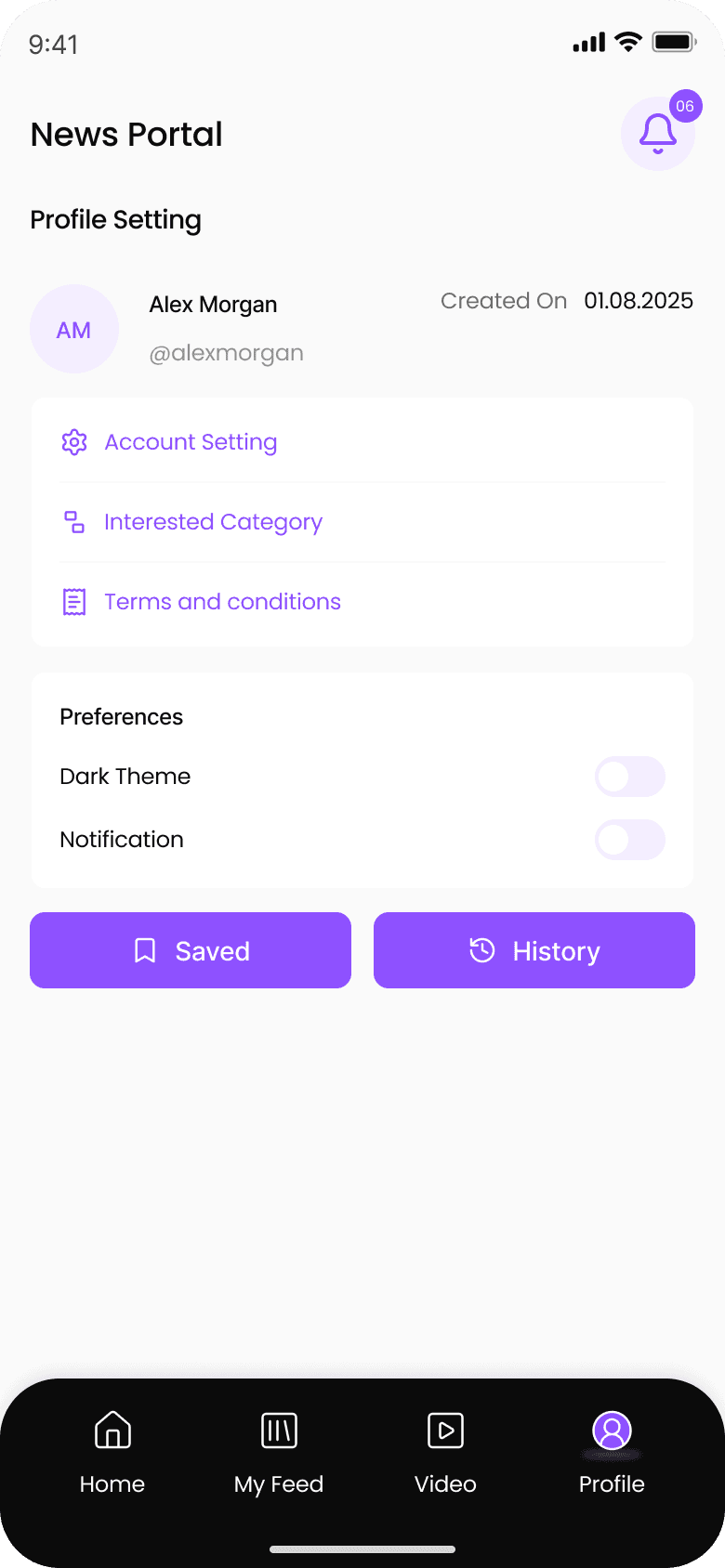
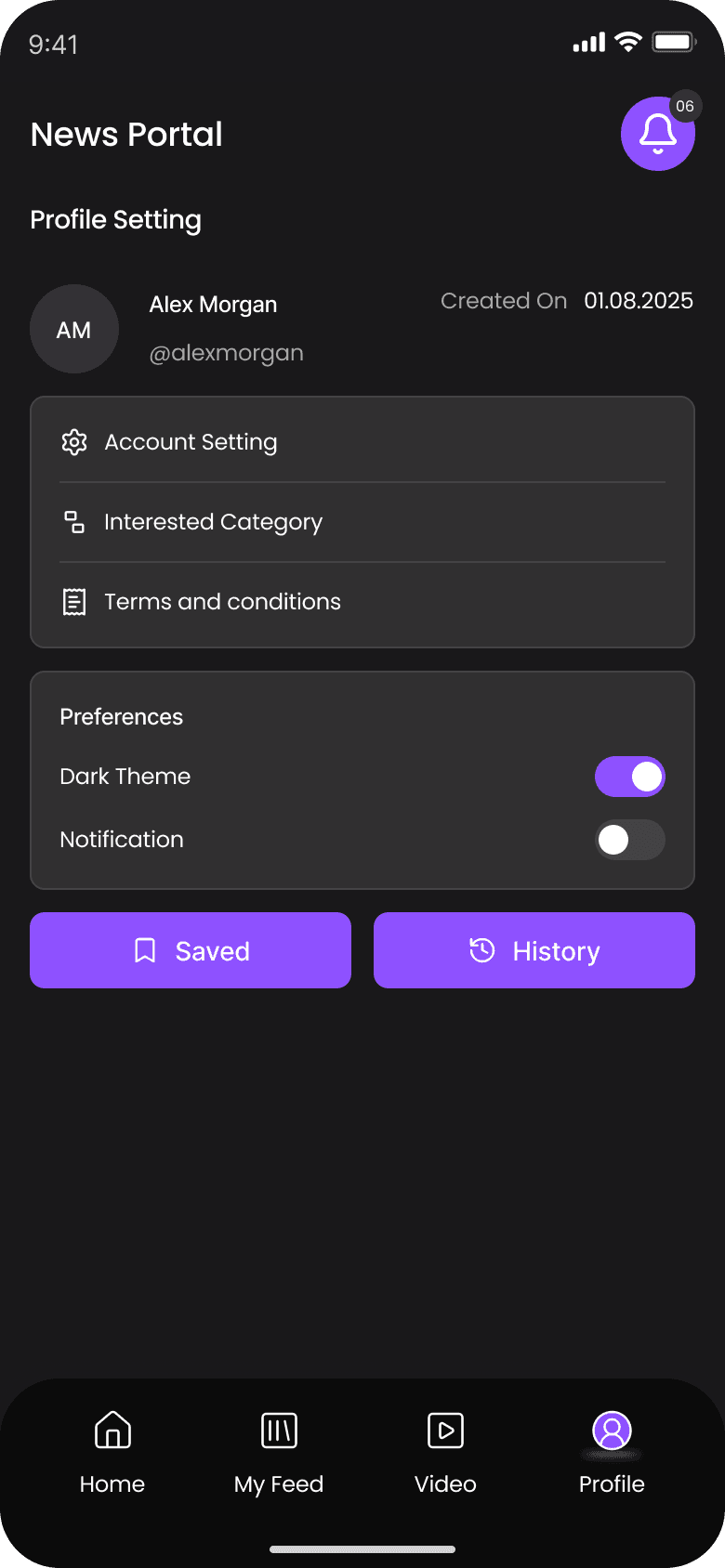
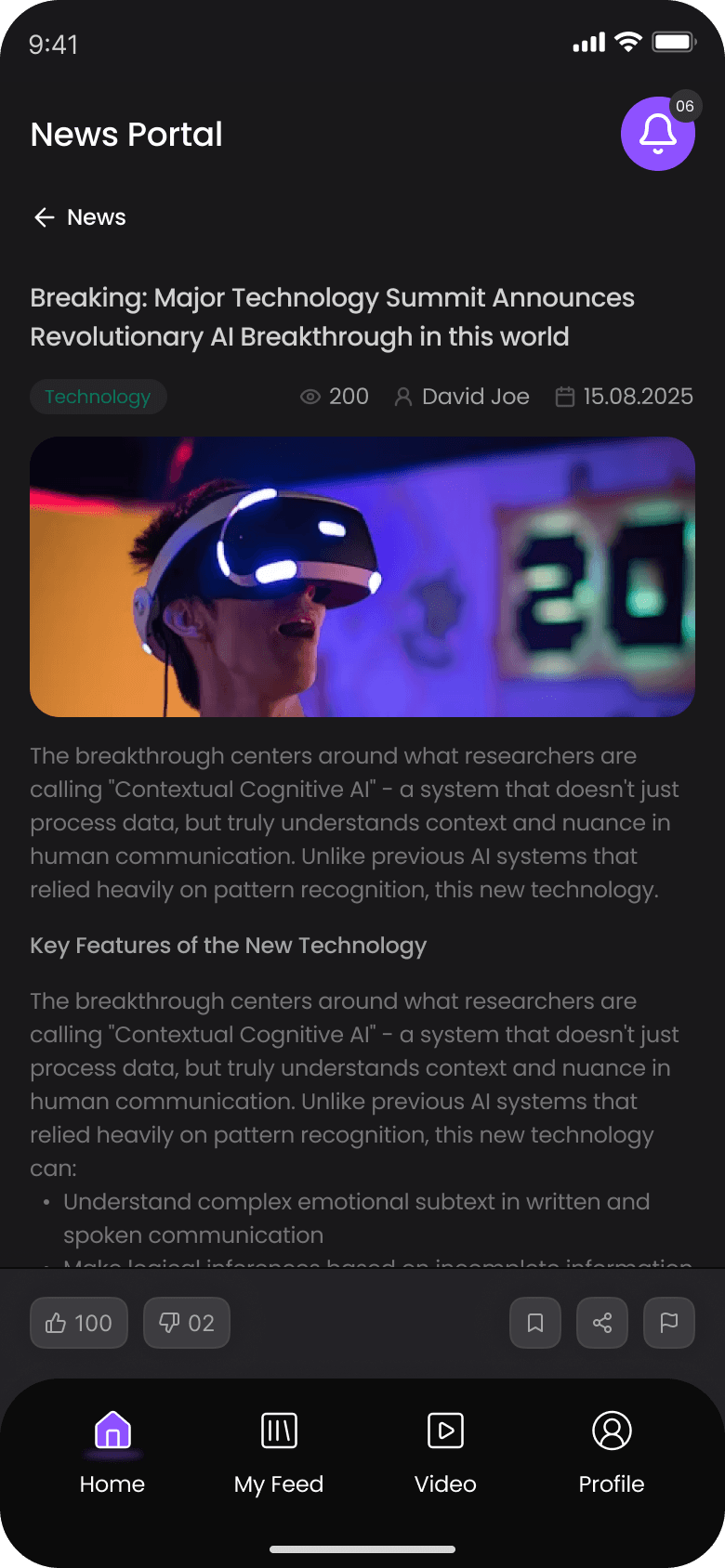
The news portal project is designed as an all-in-one digital platform for managing and delivering news content, serving four distinct user roles: admin, moderator, creator, and end user (reader). Its purpose is to streamline how news organizations create, approve, and publish articles while providing readers with a clean, accessible news experience on any device also added some features.
The Problem & The Solution
The Process
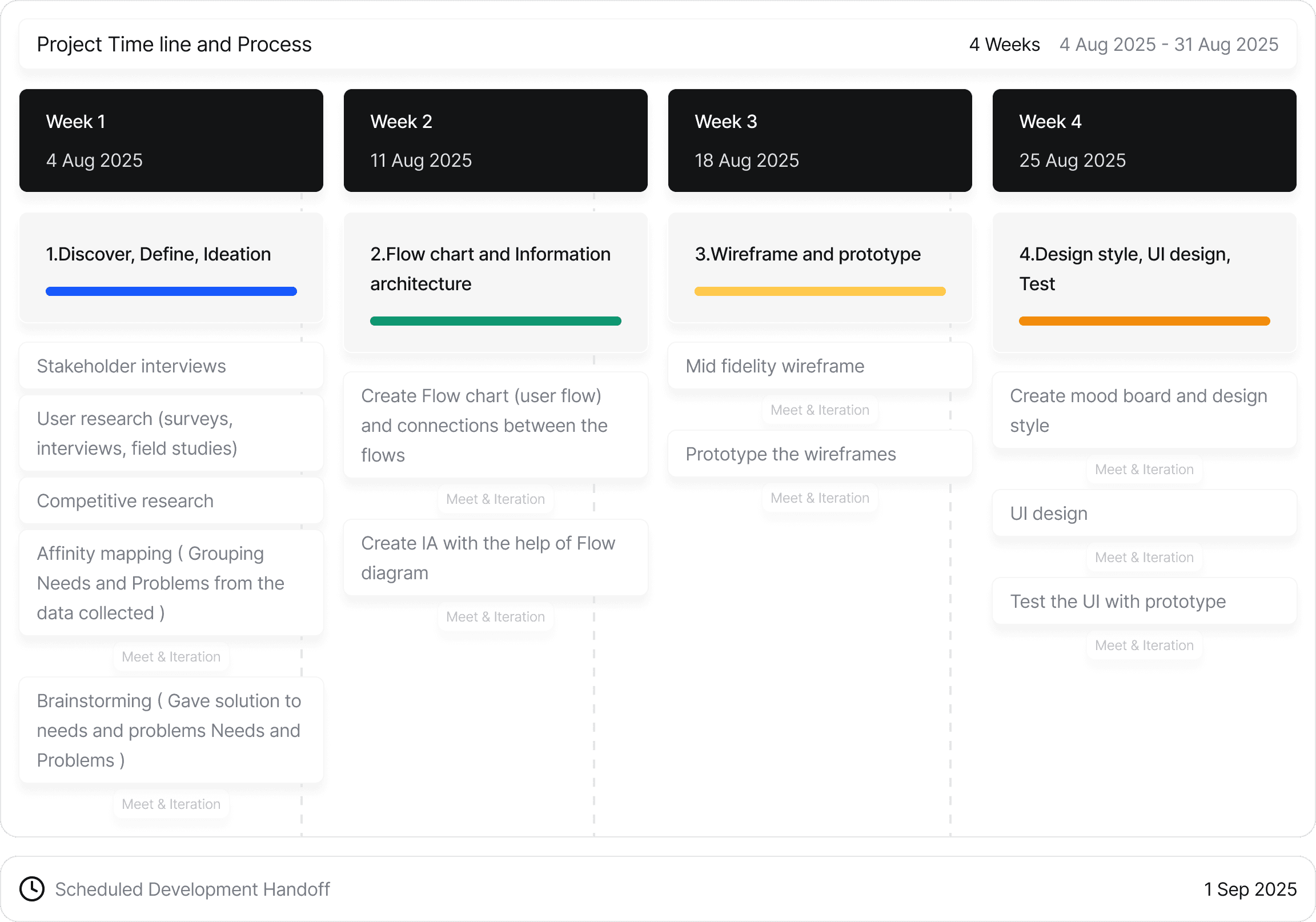
connected with PM to discuss the project brief. Initially gave clarification about my process and respected duration for each steps. This gave clarification of the stages and duration to them too.
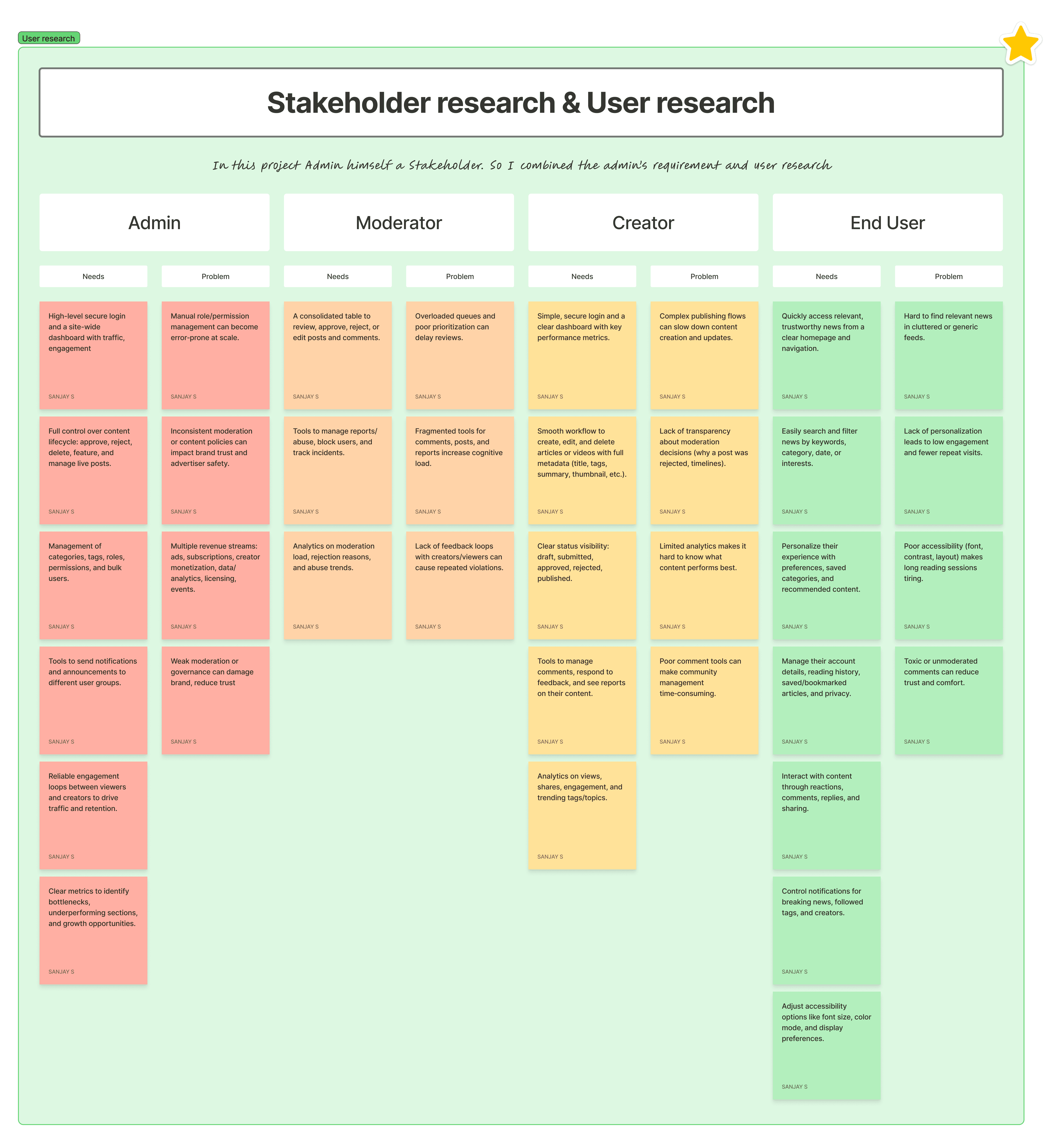
Stakeholder research & User research
Initially classified into primary users (News readers) and secondary users (Admin,Moderator,Creator) through stakeholder and PM. In this sprint the goal to more focus on secondary users ( Admin, Moderator, Creator )
For internal roles, I ran a stakeholder interview with the Admin, Moderator, Creator through PM to understand current problems, requirements, priorities, flows and collected all data.
So for readers, I conducted secondary research get data from internet blogs, post comments, competitor feedback on review sections. Then arranged the data in sort of User categories with their needs and problems
Competitor research
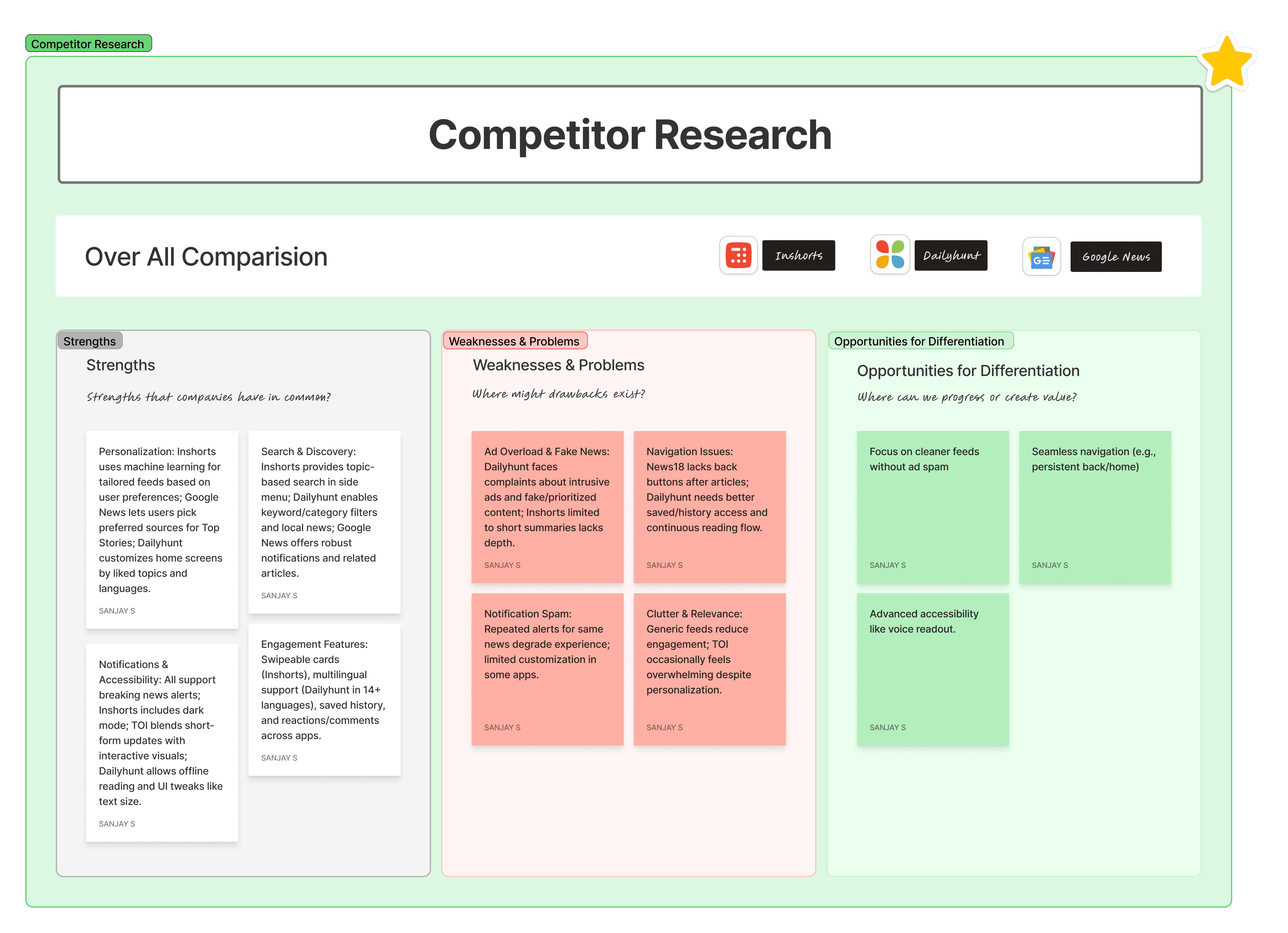
Asked for the direct competitors from the stakeholders. From this I got to know the potential competitors names as follows Inshorts, Dailyhunt, Google News.
From those data, classified those into Strength, Weakness and Opportunities for Differentiation.
Affinity Mapping & Brainstorming
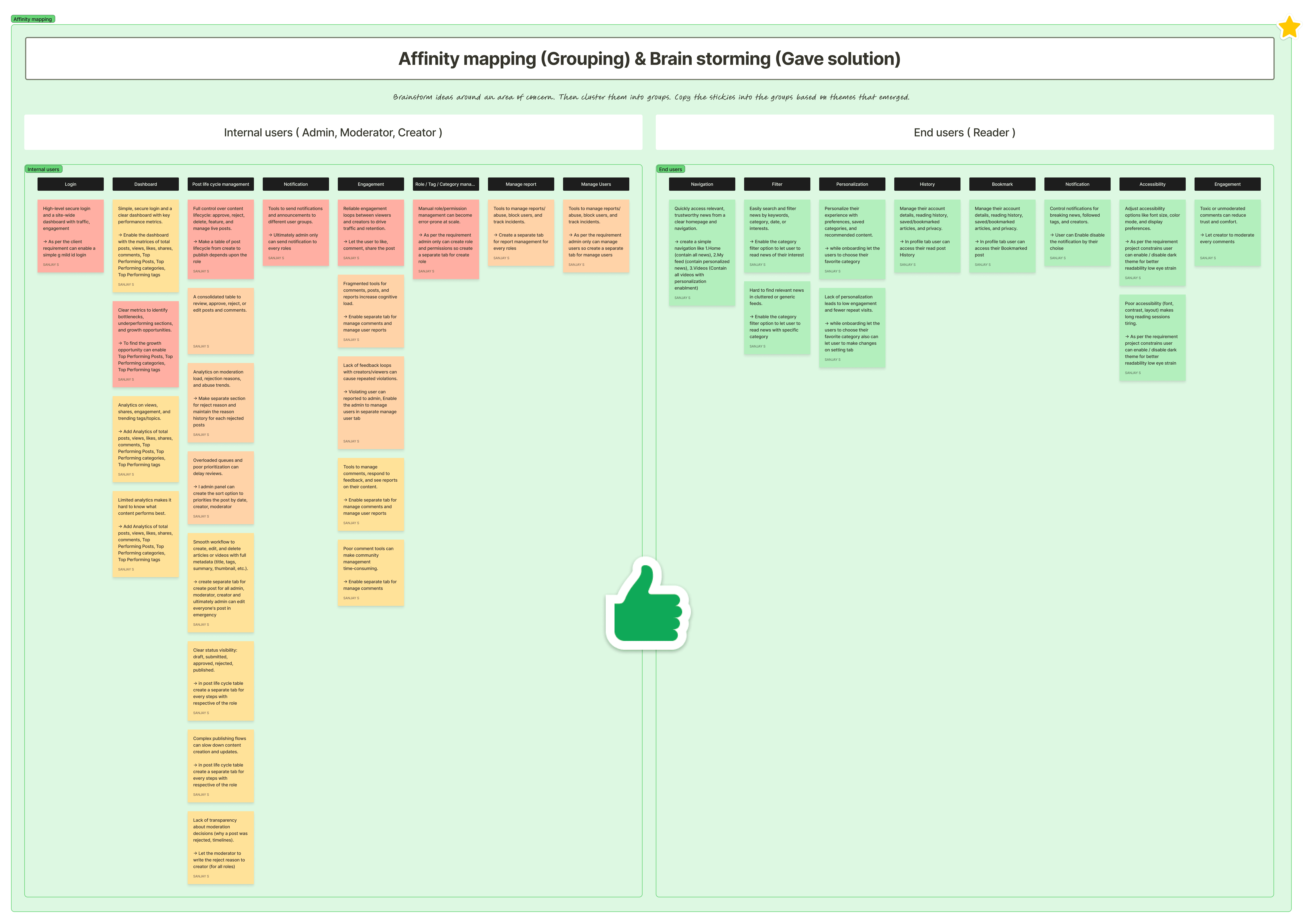
Created affinity mapping to clustered needs and pain points into prioritized features.
Arranged all data that got from the researches into separate groups. Later I will consider those groups into separate features, and priorities them to implement on design.
In Brainstorming session with PM, gave solutions to each and every needs and problems pointed in the affinity mapping.
Create Flow chart (user flow) and connections between the flows
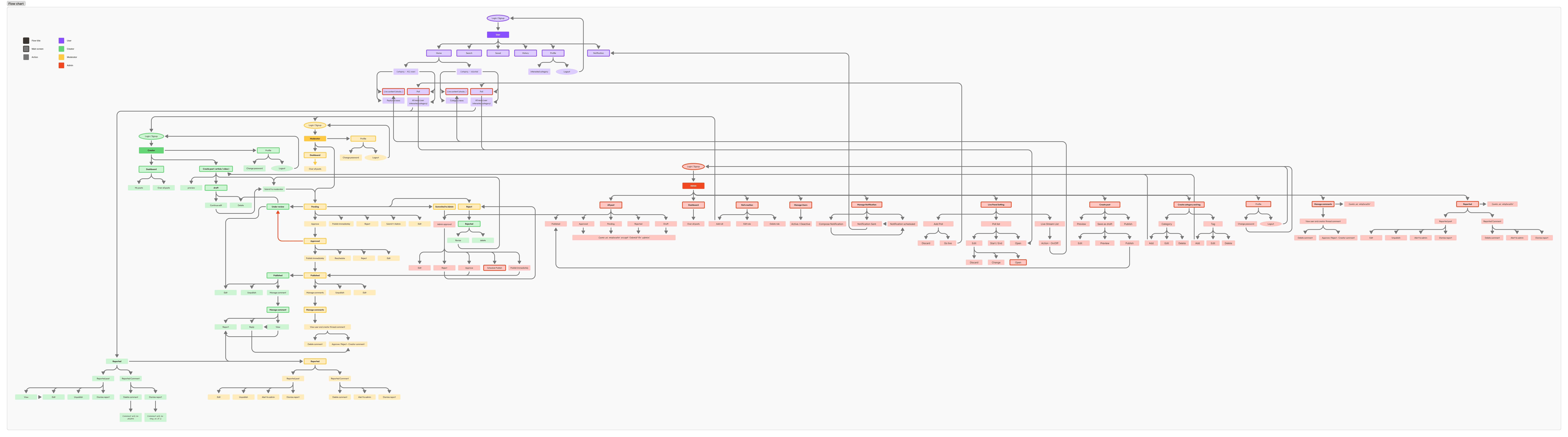
Together with the PM, I translated the prioritized features into user flows for each role, validated them, and then built an information architecture that mapped screens, components, and core interactions for web and mobile.
This structure clarified which role sees which tools, how content moves from creation to publication, and how readers discover and consume news and all other features
Mid fidelity wireframe and Prototype
Created mid‑fidelity wireframes based on the flows and IA, iterated with the PM to confirm layout and then only moved into visual design.

Design Style & UI design
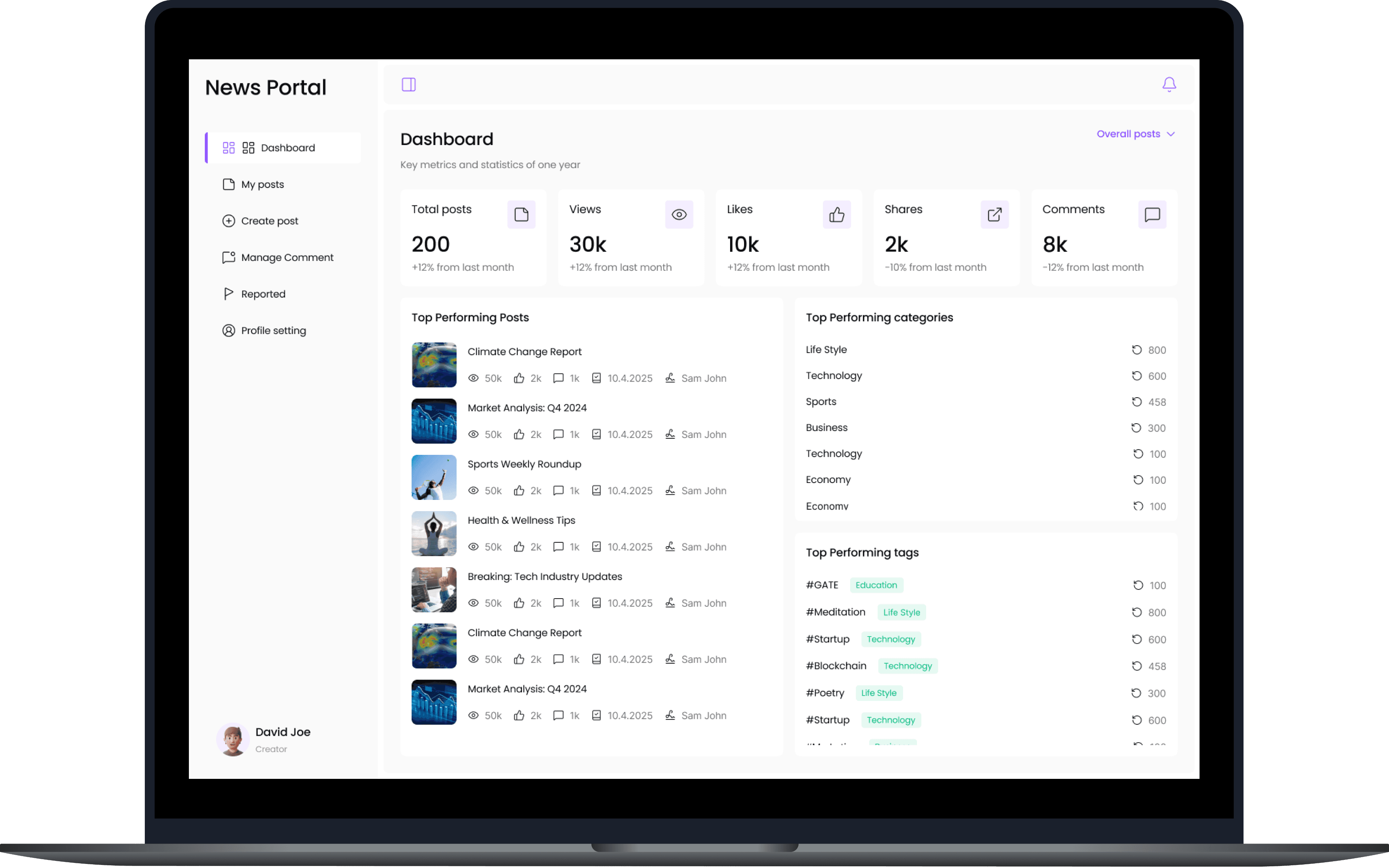
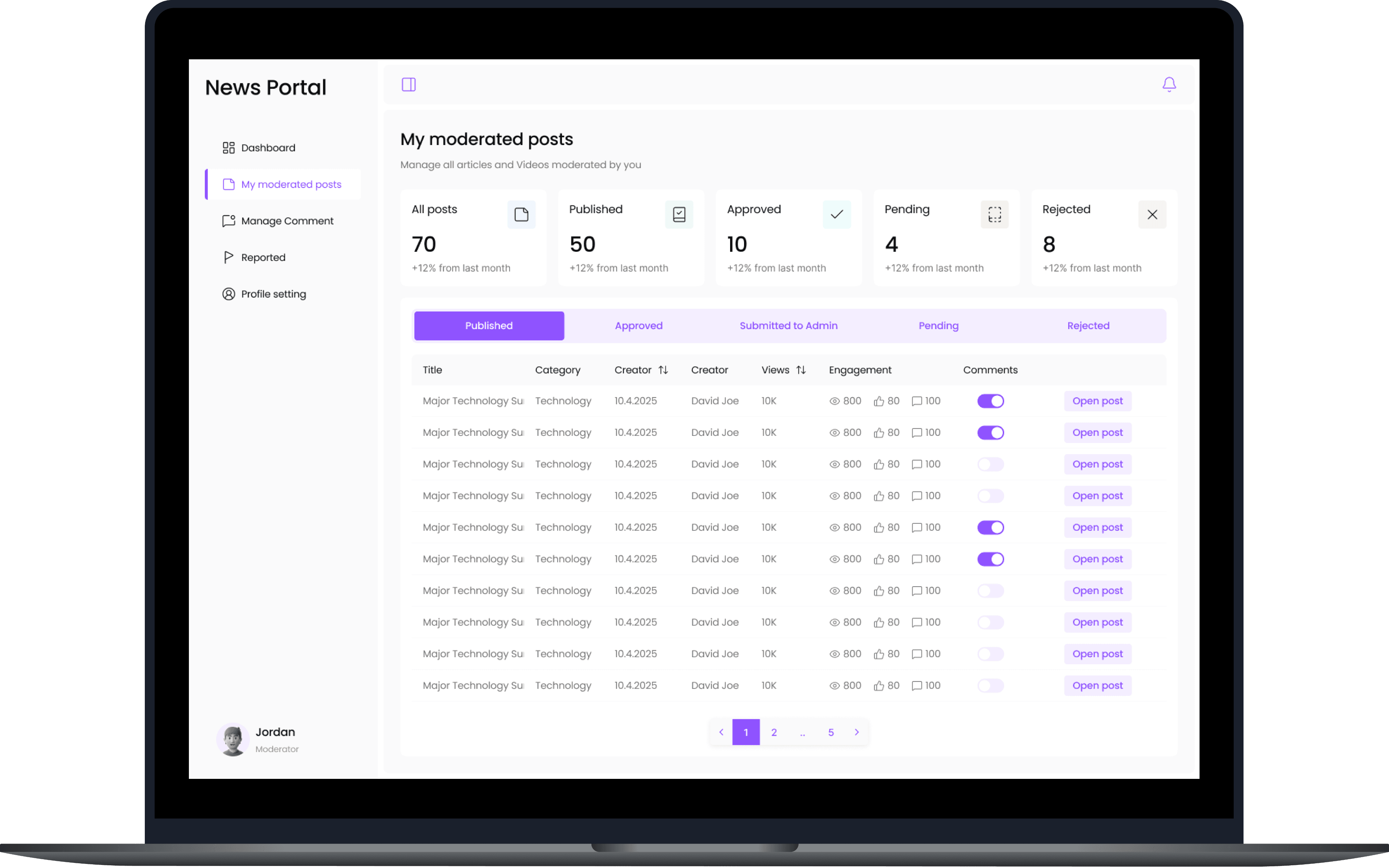
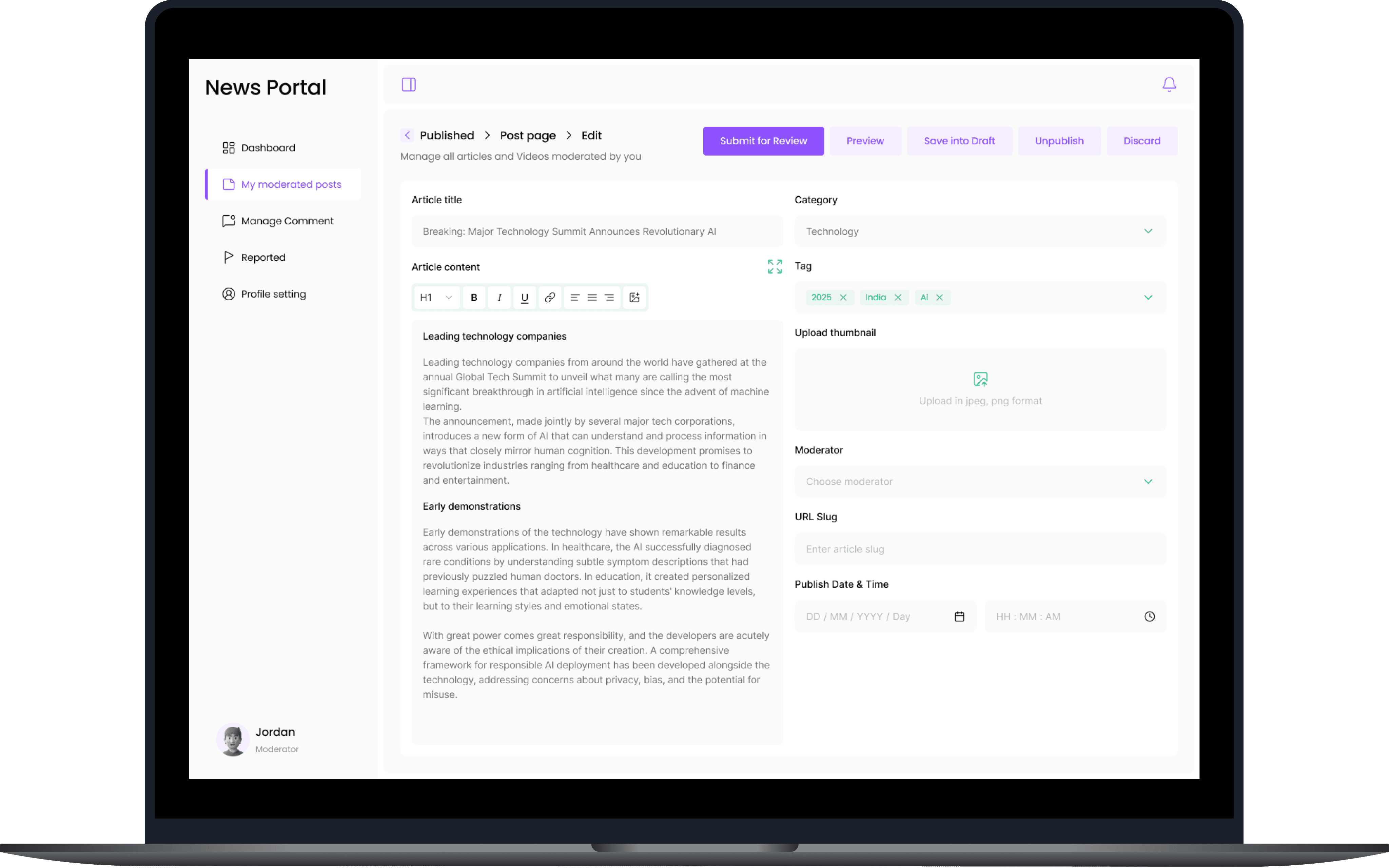
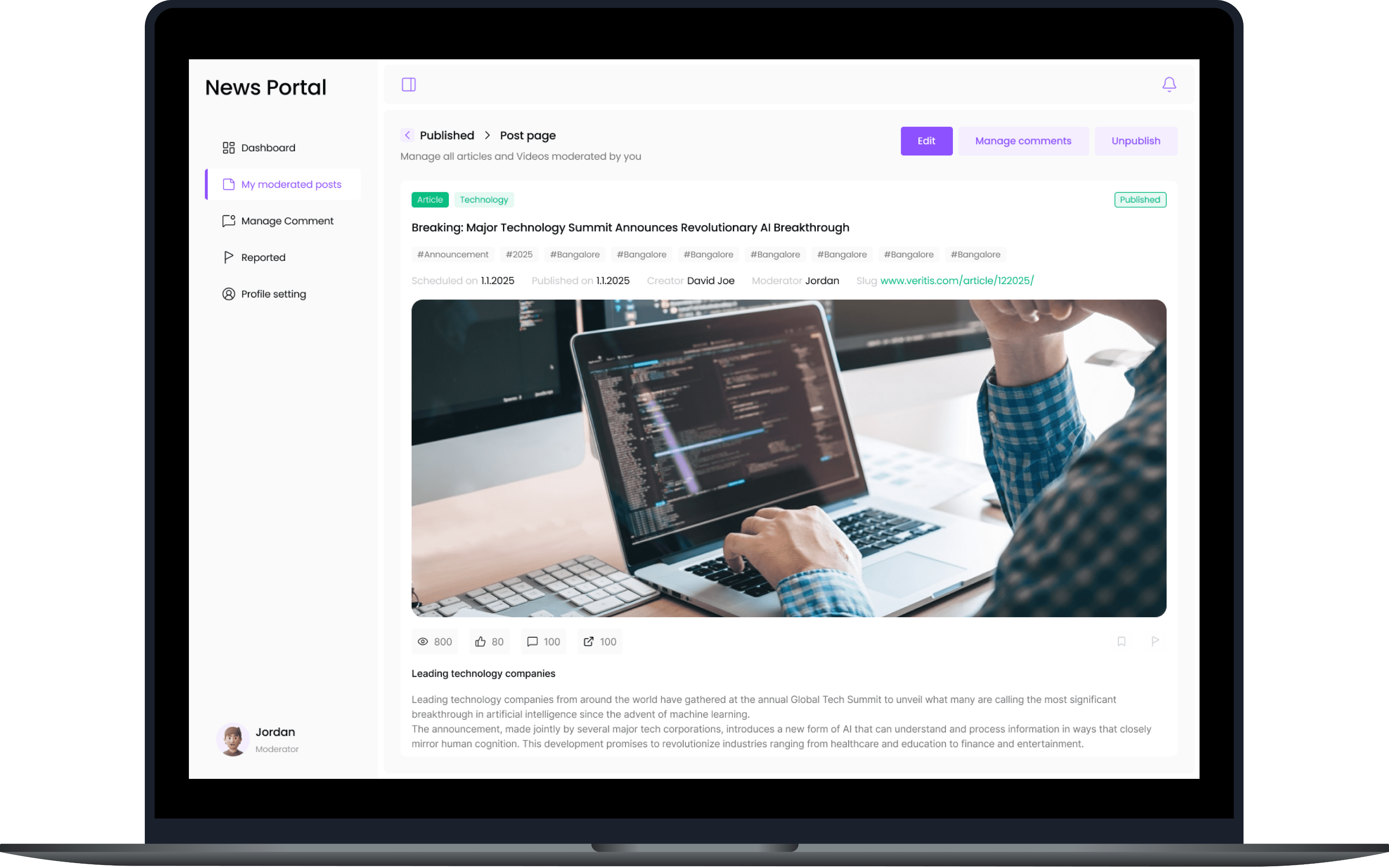
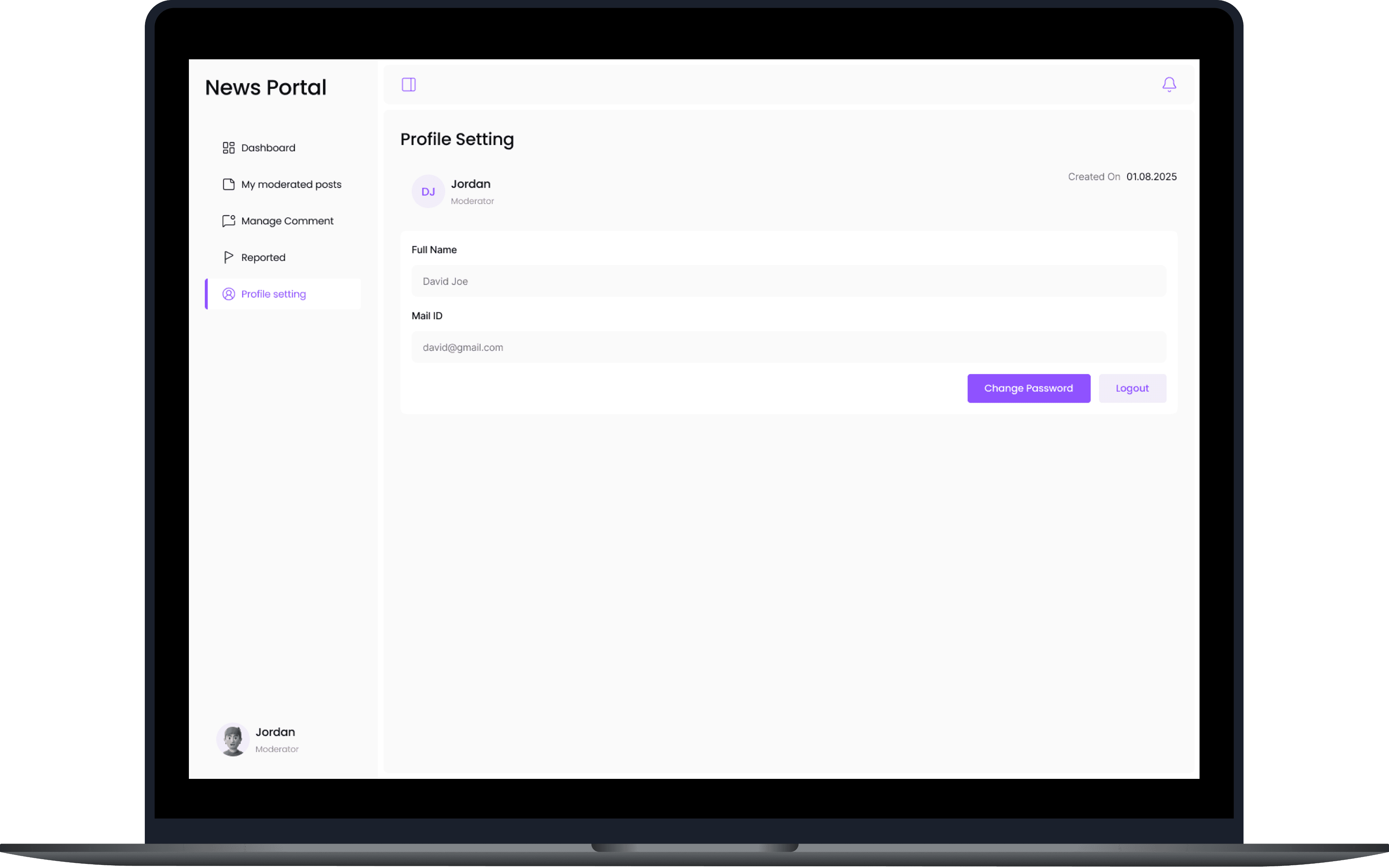
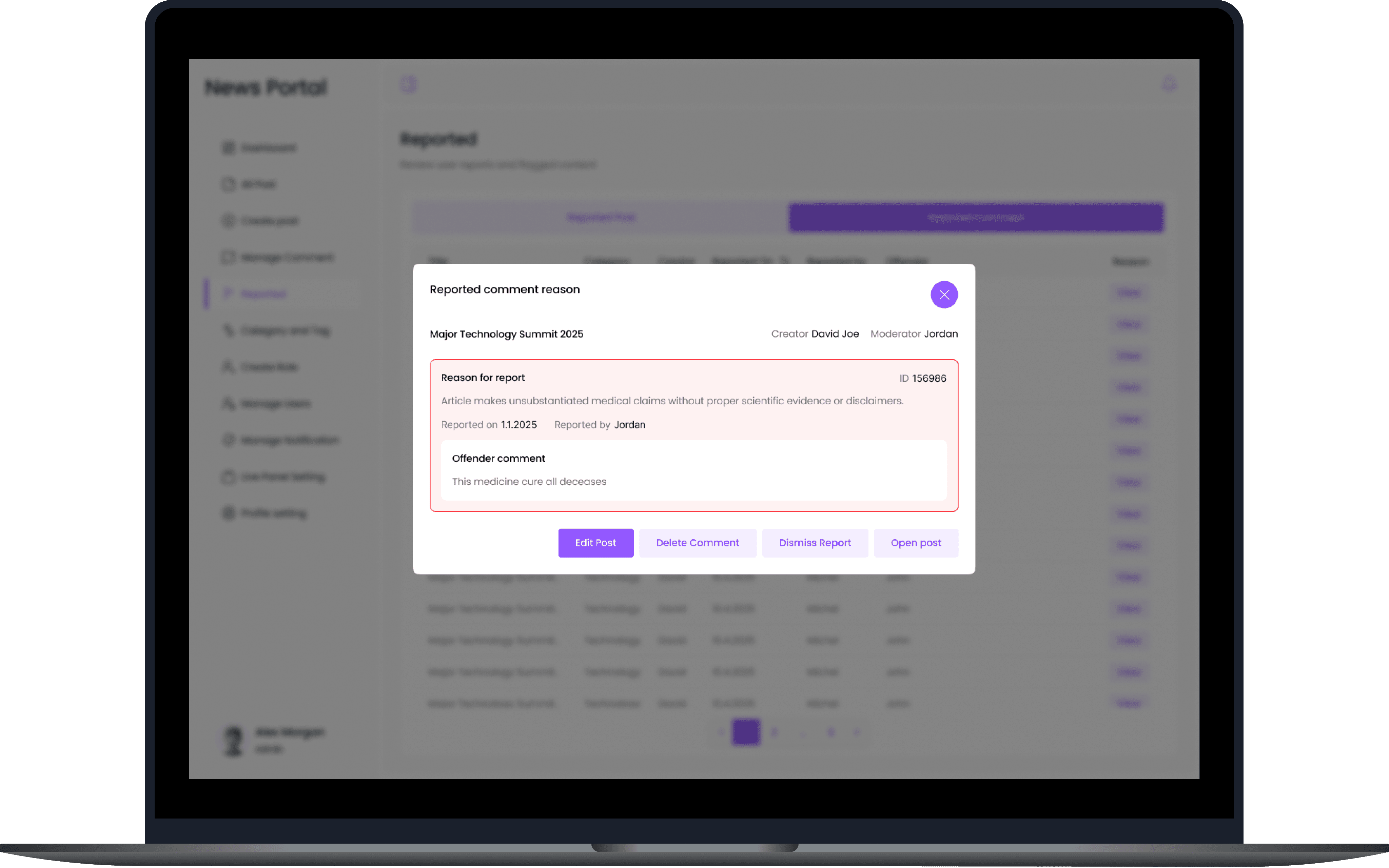
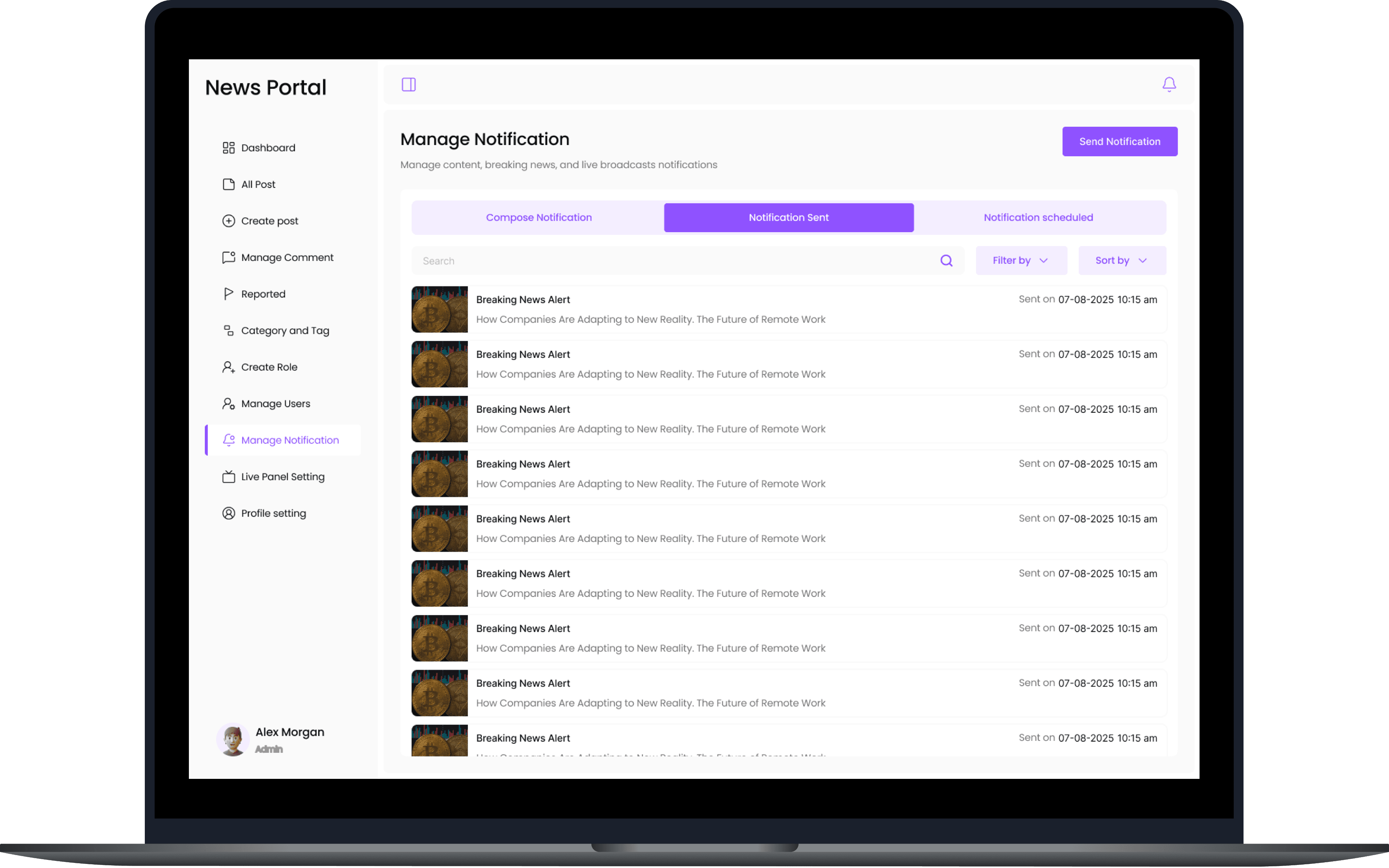
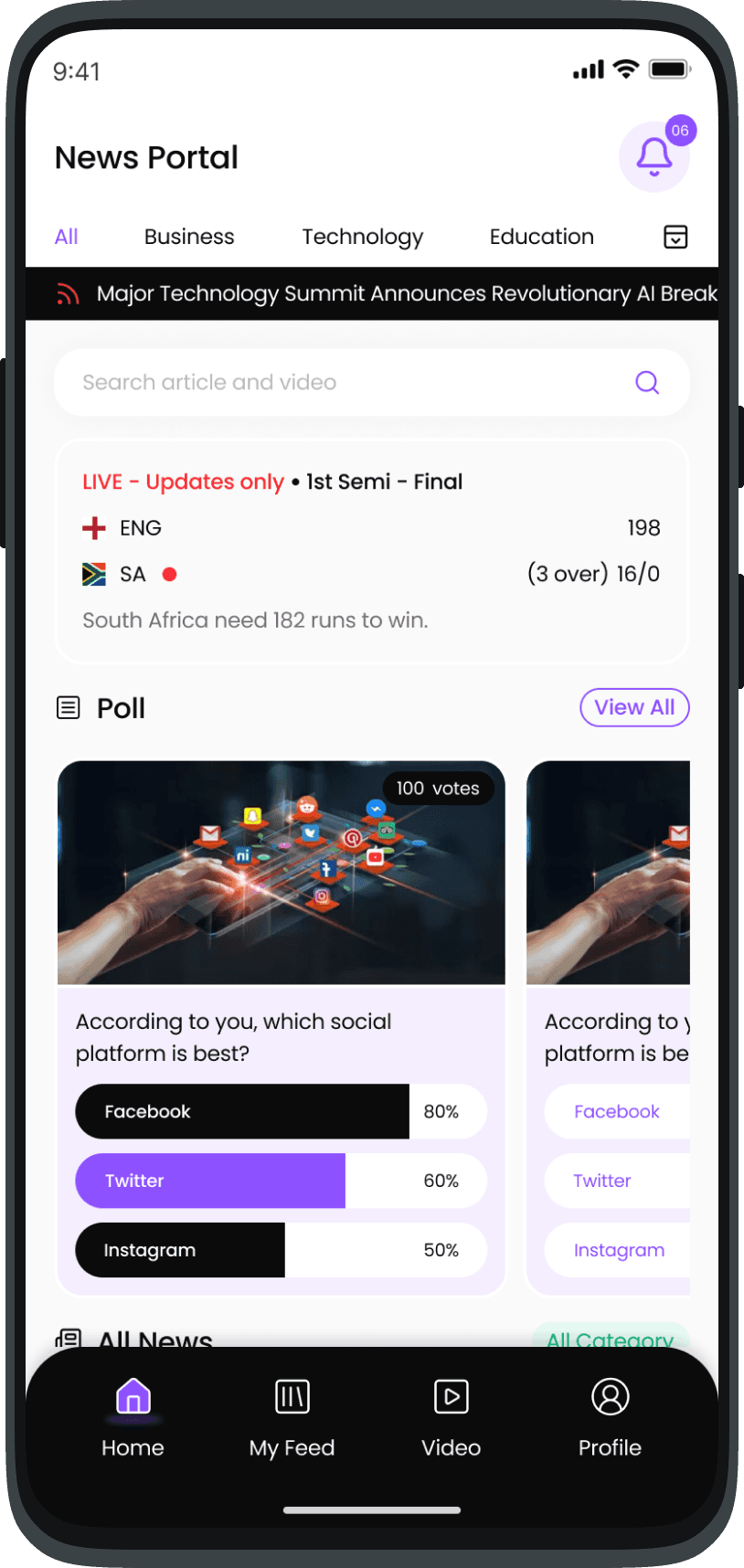
After prepared a moldboard and design style, I designed UI for the first three key screens, gathered feedback, refined them, and used these as the visual system for the remaining screens. I make aware the client/stakeholder about that the rest of screens will follow the same theme and system that the first 3 screens you confirmed. This is the process I followed to avoid unwanted heavy changes after design the UI fully.
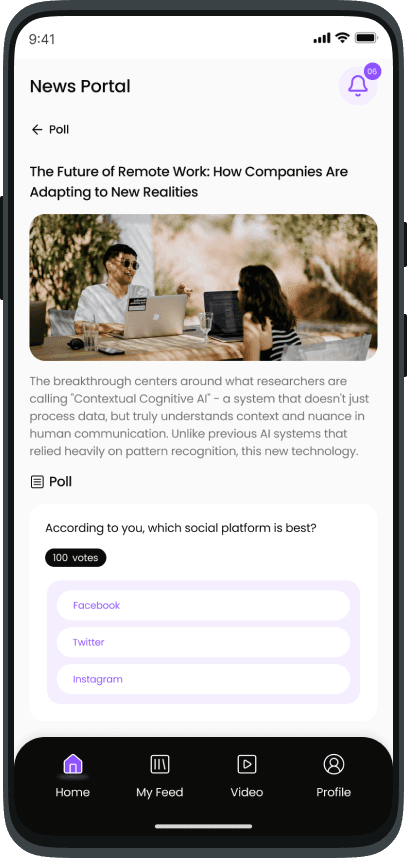
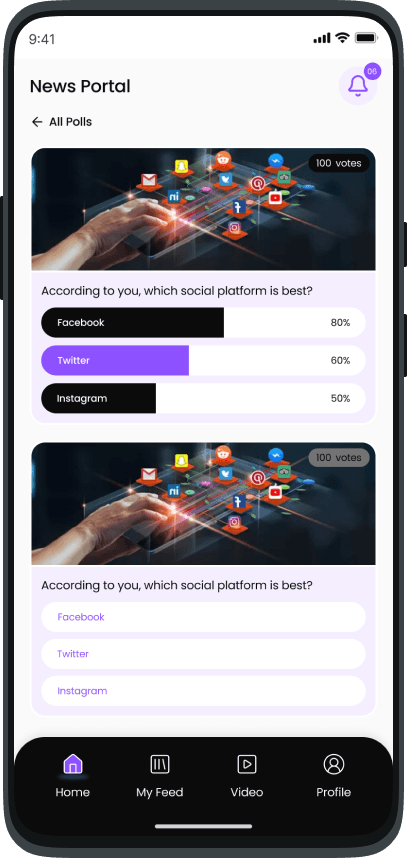
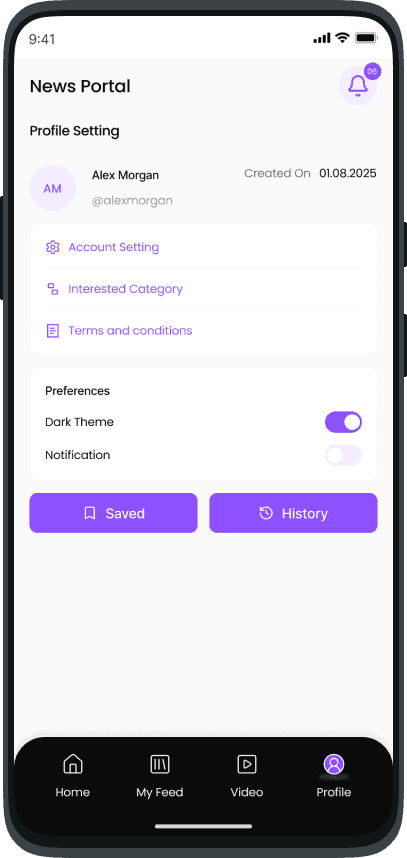
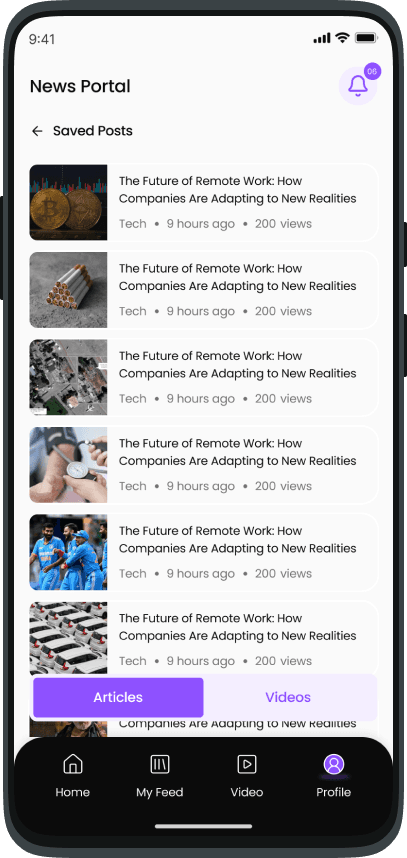
Test the UI with prototype & Final handoff
Tested the UI with Users and fixed the problems arise and also confirmed everything with Stakeholder and the PM.
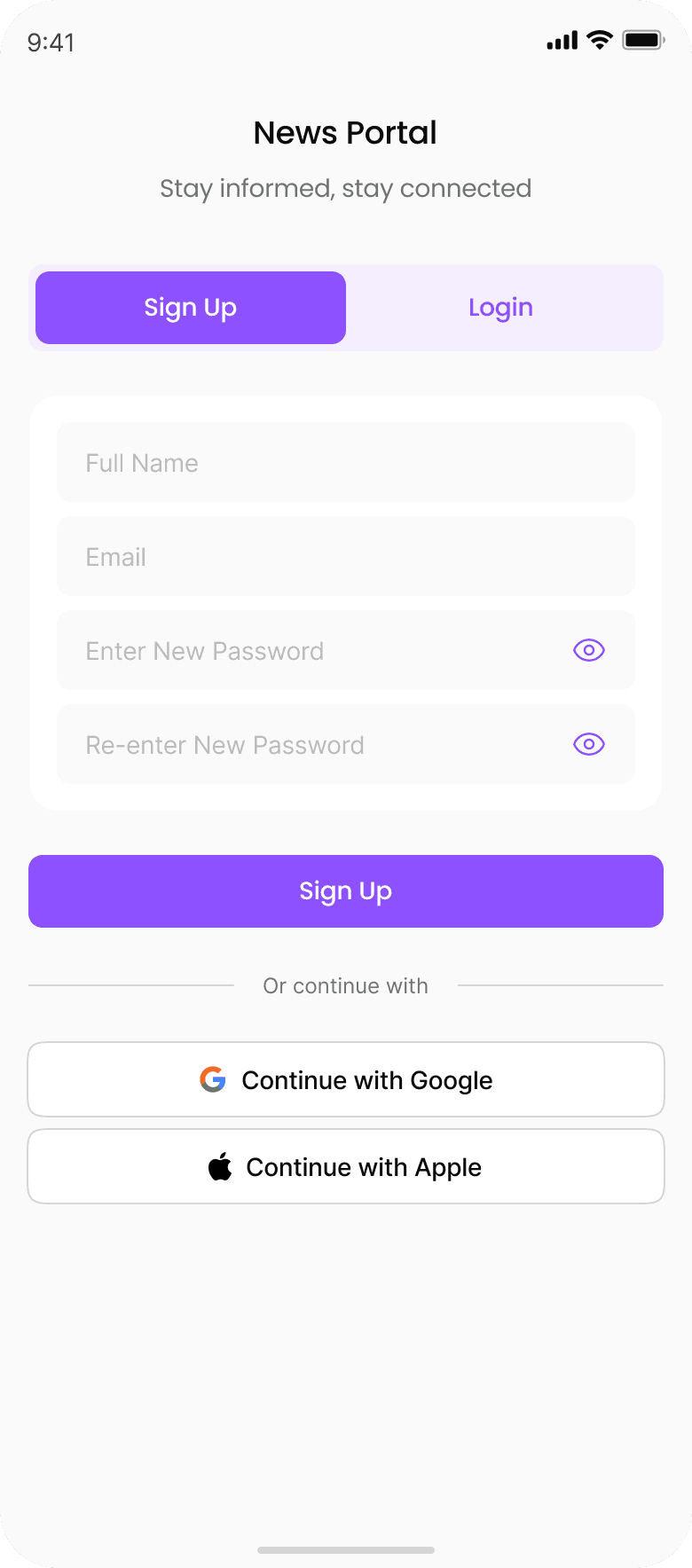
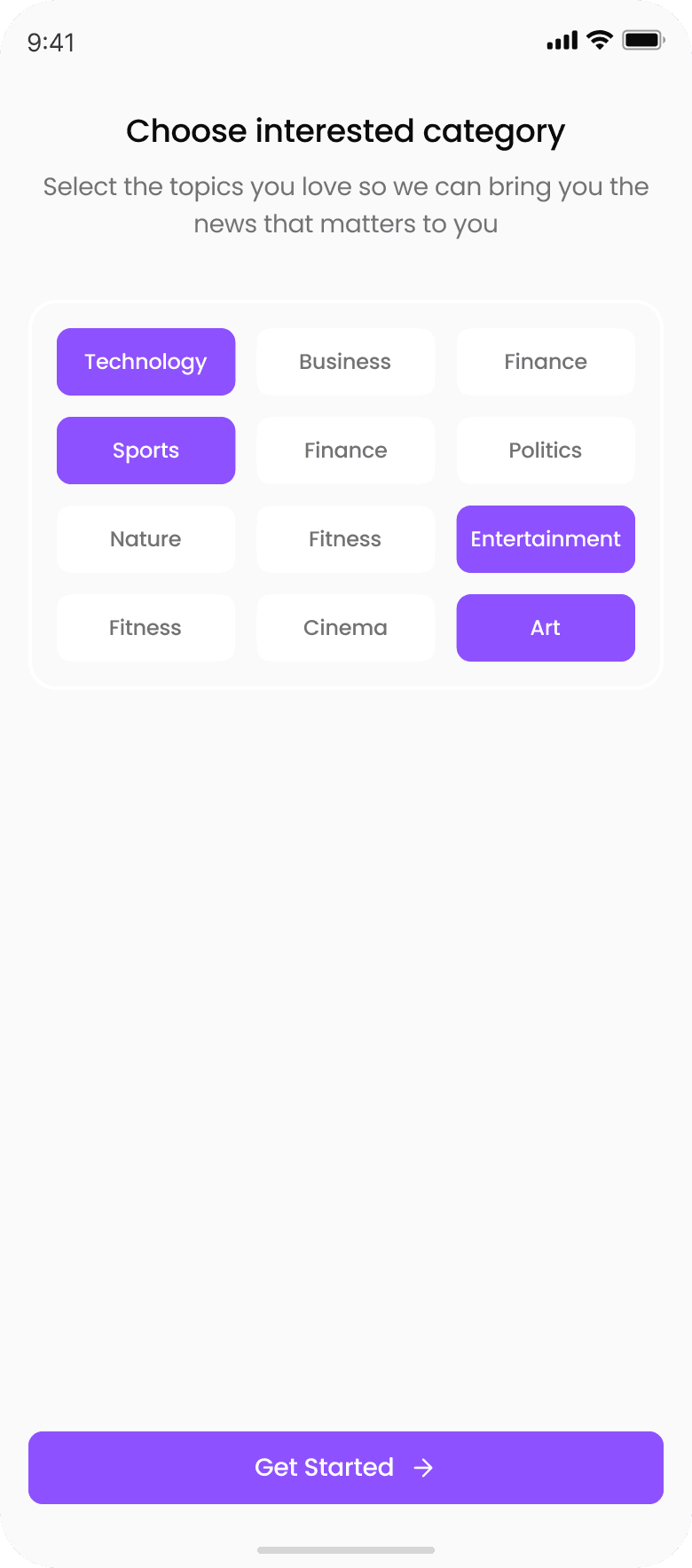
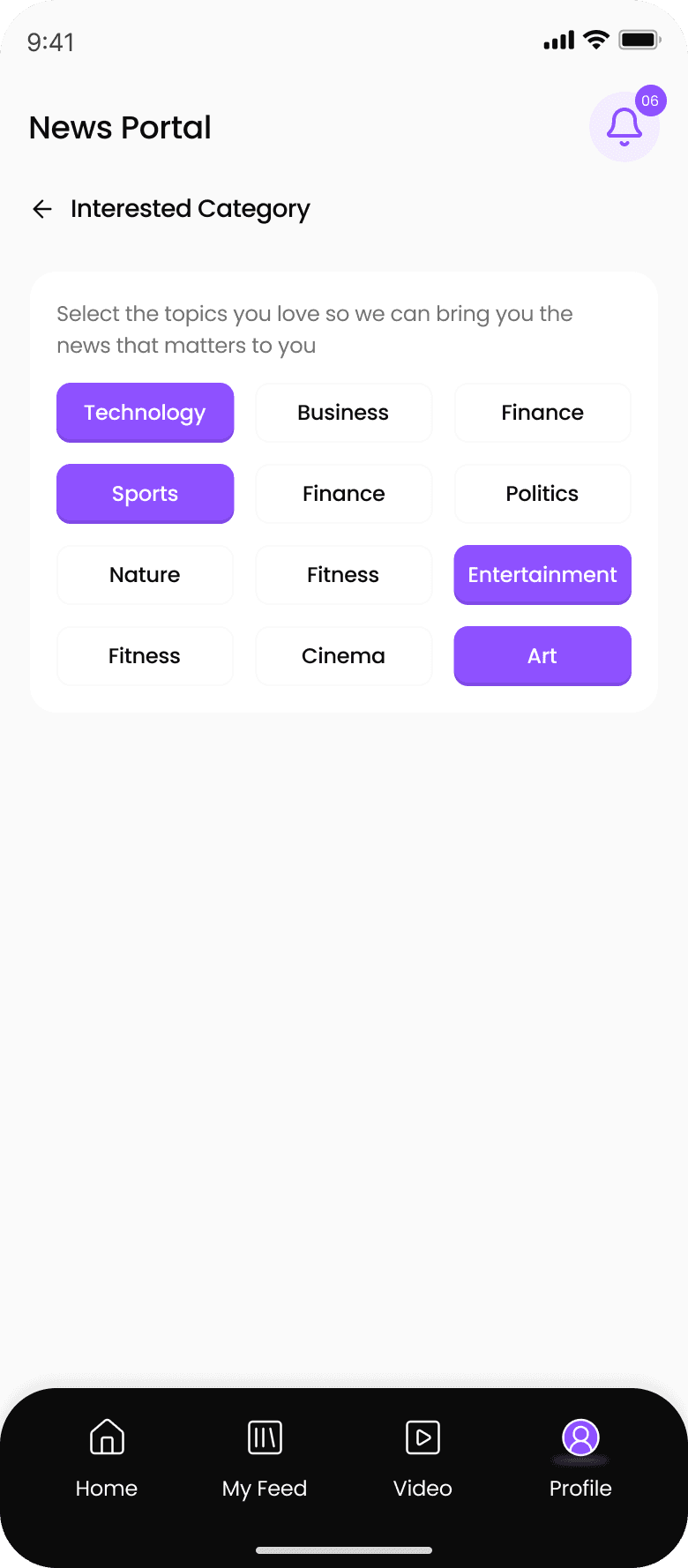
The final deliverables included design style document and UI of all admin, moderator, creator, and end user on web app, plus end‑user UI on mobile.
I documented the design style (colors, typography) and provided a structured handoff to development, enabling the team to implement the portal within the next 1‑month.
Impacts
Focused on clean, role-tailored interfaces. Post-handoff, the platform enabled faster publishing (target: 50% reduction in time-to-live), clearer role separation (zero permission overlaps), and scalable growth. Hypothetical metrics include 30% lower moderation backlog and 25% higher reader retention via better discovery—validated through internal walkthroughs.
